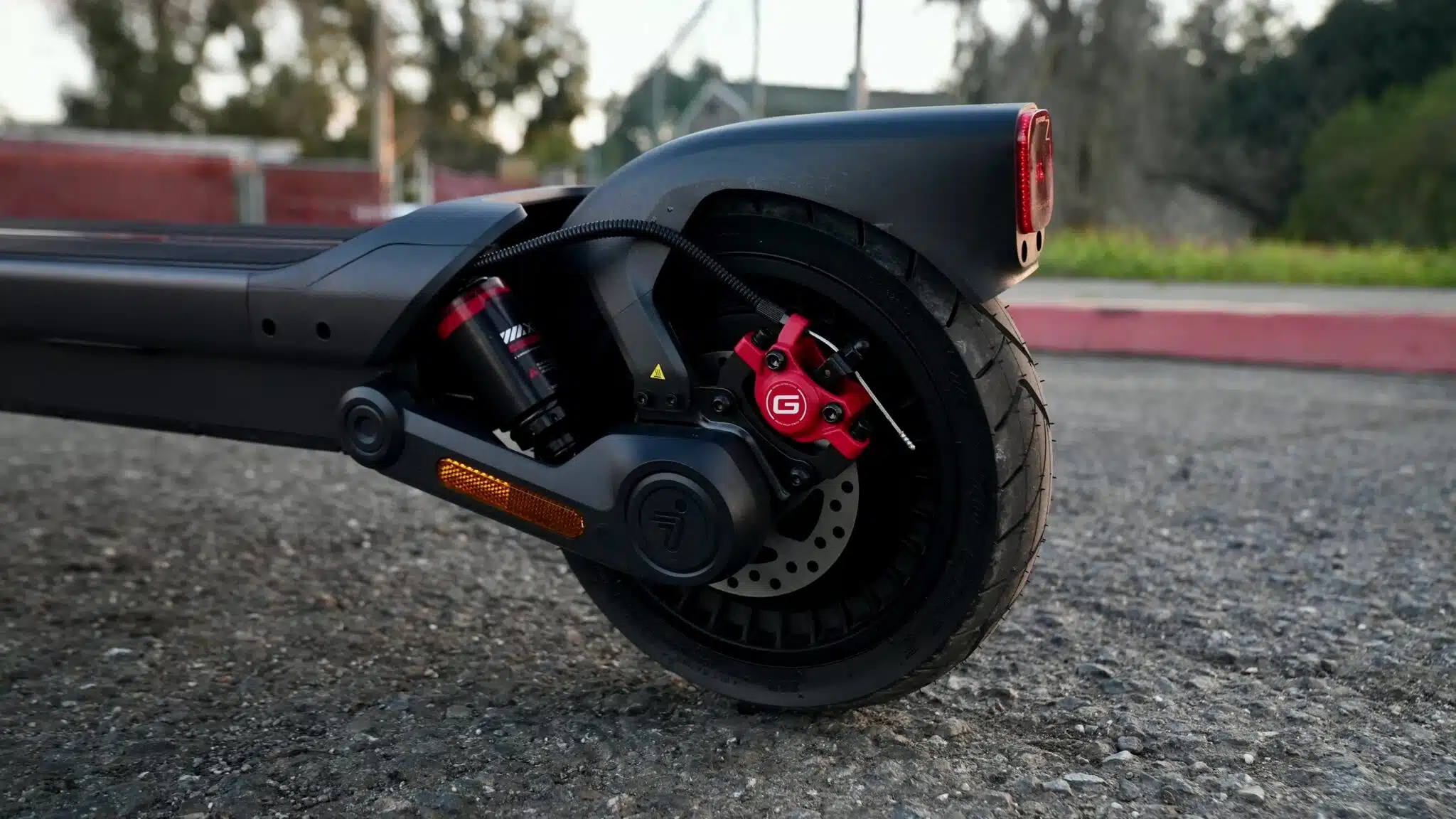
How to Maintain the Segway Ninebot Max G3 Braking System
The Segway Ninebot Max G3 braking system is one of the most important safety features of your scooter. Over time, brake components are exposed to mechanical wear, moisture, dust, and vibrations, all of which can gradually reduce braking performance.
This guide is part of our Segway Ninebot Max G3 maintenance series, designed to help Riders keep their scooter reliable, safe, and performing at its best. After covering tires, this guide focuses on the braking system, an essential component for confident and safe riding.
Test the Braking Power of Your Segway Ninebot Max G3
The first step is to regularly check the braking performance of your Segway Ninebot Max G3. We recommend performing this inspection every 500 km (300 miles) or approximately every three months.
With the scooter turned off, squeeze the left brake lever and push the scooter forward. The front wheel should lock firmly.
Repeat the same test using the right brake lever to verify that the rear wheel also locks correctly.
If either wheel fails to stop properly, the braking system should be adjusted before continuing to ride.
Inspect the Segway Ninebot Max G3 Brake Levers
The brake levers are your direct connection to the braking system and should be checked before every ride.
Inspect both levers for cracks, bends, or signs of damage.

If a lever feels loose, tighten it immediately. Also inspect the mounting bolts and nuts for corrosion or excessive wear.
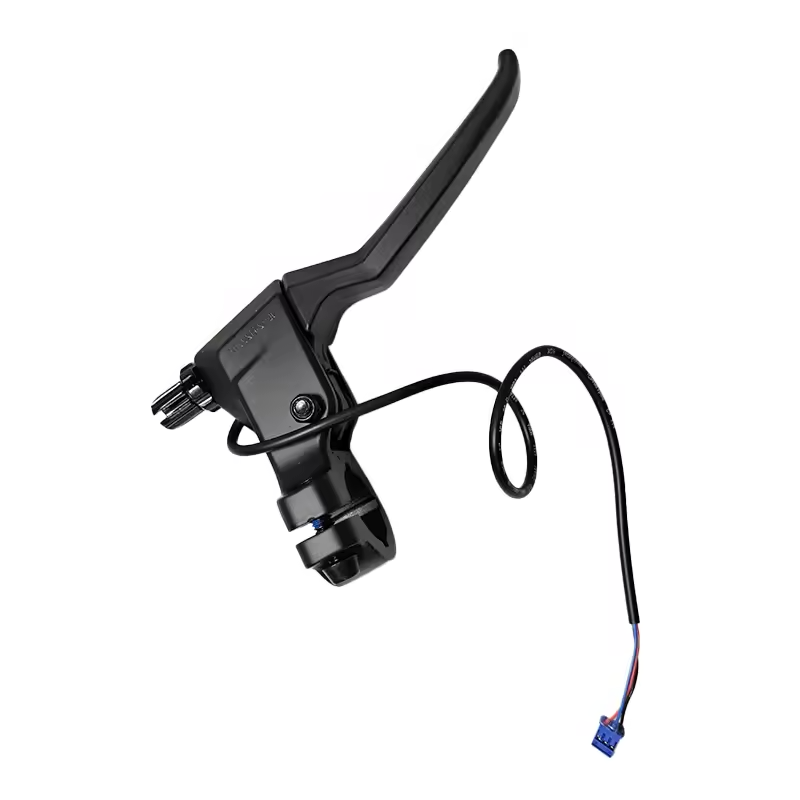
To keep the levers operating smoothly, regularly clean the pivot points and moving components. Applying a small amount of lubricant to the pivot and spring helps the lever return smoothly after every brake application.
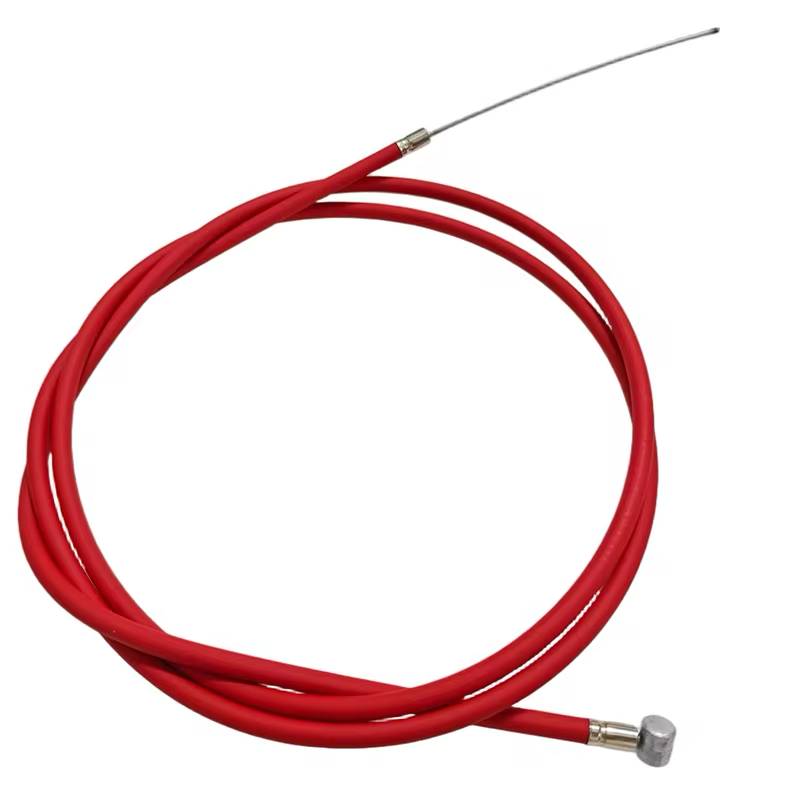
Inspect the Segway Ninebot Max G3 Brake Cables
Brake cables play a critical role in transmitting braking force from the levers to the brake calipers.
As part of your Segway Ninebot Max G3 maintenance, inspect them every 500 km or approximately every three months.
Look for:
- Frayed cable strands
- Cracked cable housing
- Corrosion
- Areas where the cable does not slide smoothly
A damaged brake cable should always be replaced immediately.
Also check the cable tension by pulling the brake lever. If the lever travels too far before braking begins or feels excessively stiff, the cable should be adjusted.
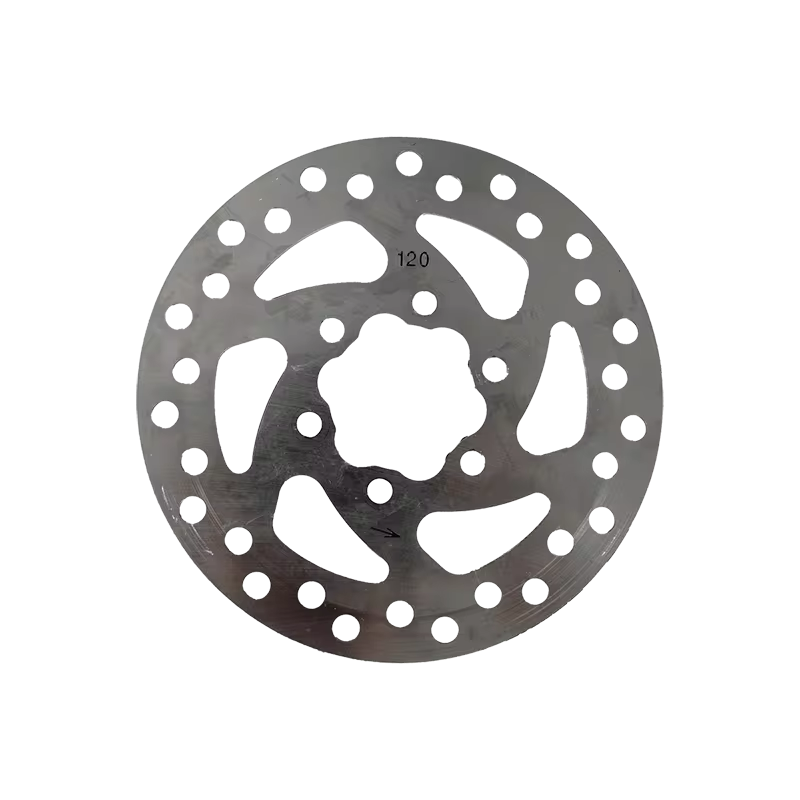
Check the Segway Ninebot Max G3 Brake Disc
The brake disc experiences significant stress every time you slow down.
Inspect it regularly for:
- Deep grooves
- Excessive wear
- Rust
- Warping
- Cracks
Light surface rust usually disappears after a few normal braking cycles. However, a warped, cracked, or heavily worn rotor should be replaced immediately to maintain safe braking performance.
Also make sure that all brake disc mounting bolts remain properly tightened. Loose bolts may cause vibration, unwanted noise, and reduced braking precision.

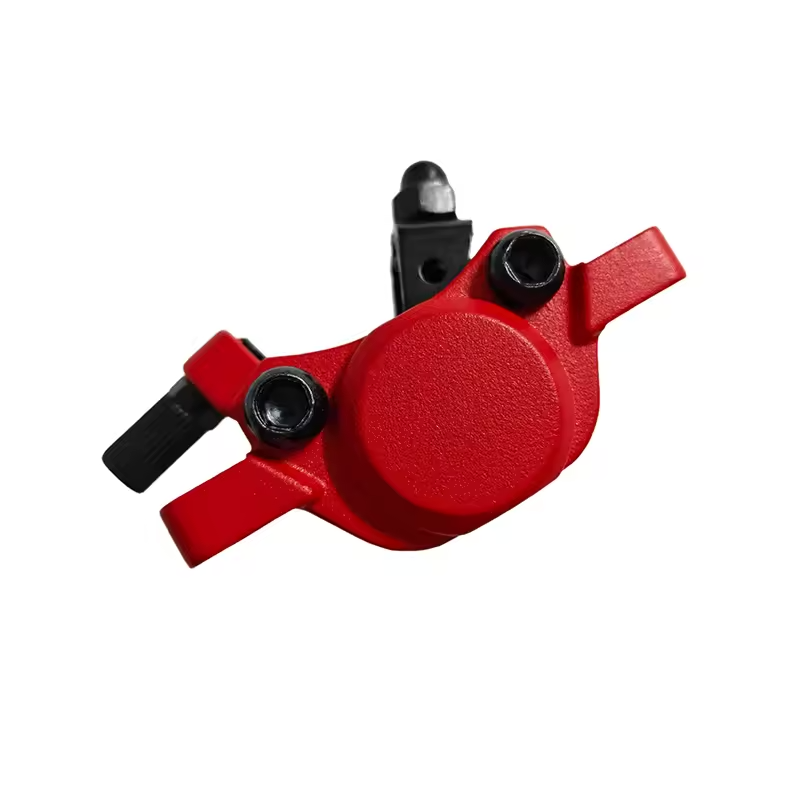
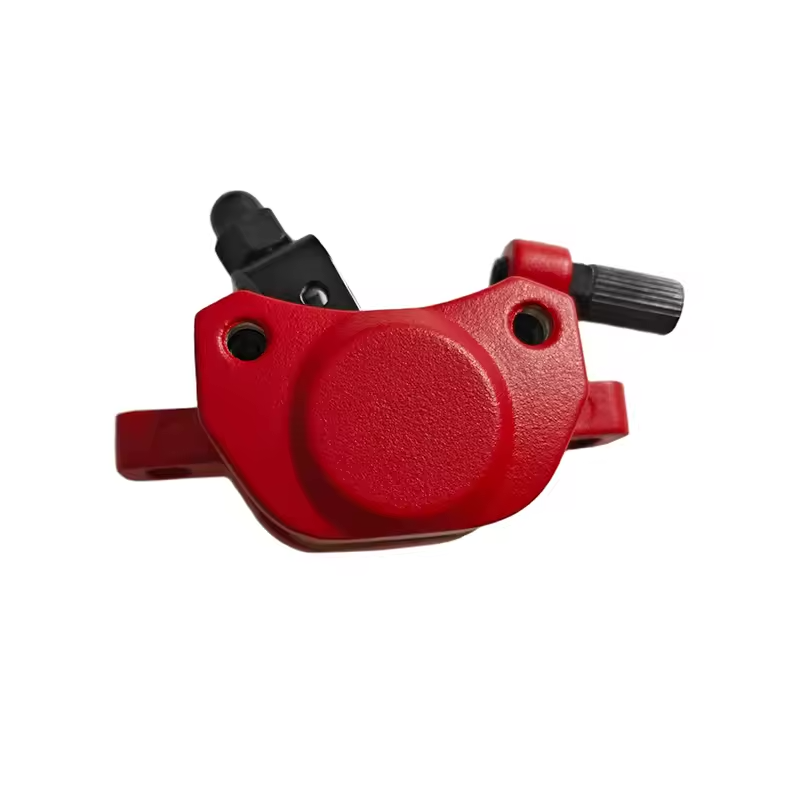
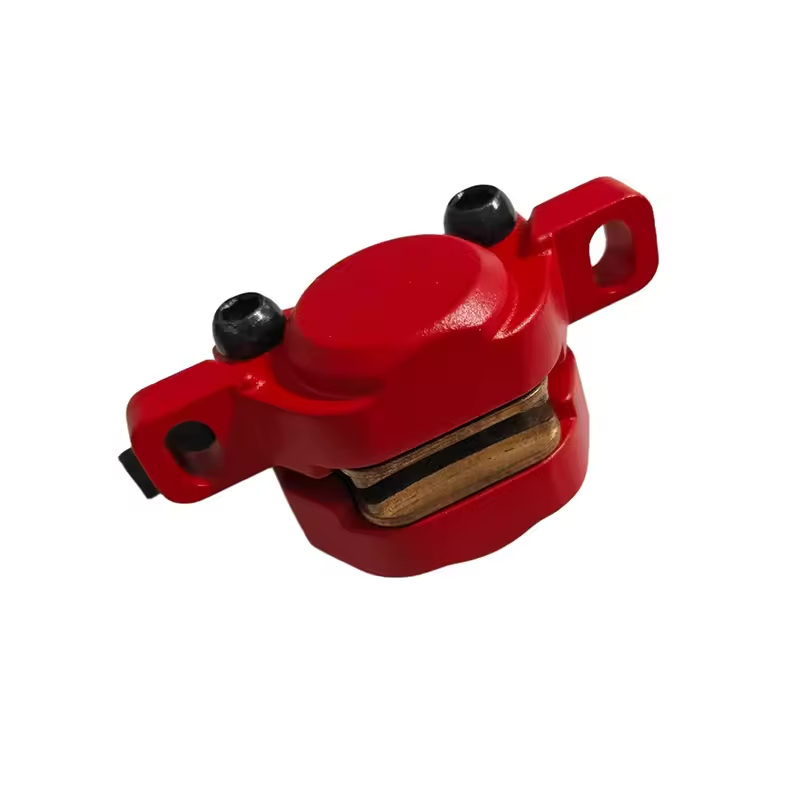
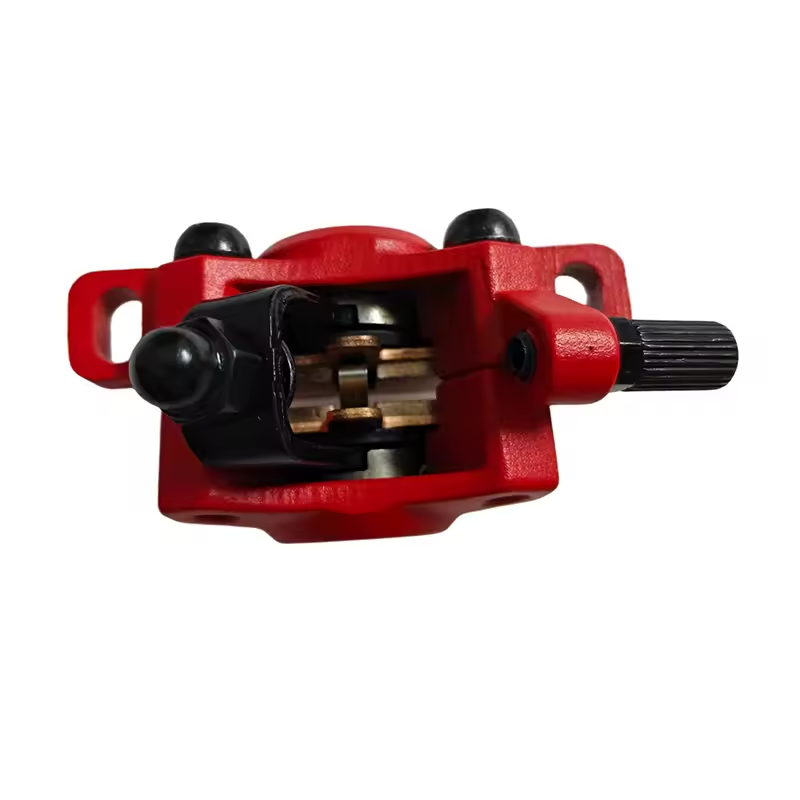
Inspect the Segway Ninebot Max G3 Brake Caliper
The brake caliper holds the brake pads and applies pressure to the brake disc.
During routine maintenance, inspect the caliper mounting bolts and ensure the caliper remains correctly aligned with the rotor.
A loose or misaligned caliper can reduce braking efficiency and cause uneven pad wear.
Check the Segway Ninebot Max G3 Brake Pads Every 1,000 km
The Segway Ninebot Max G3 brake pads are among the fastest-wearing components on the scooter and are usually the first braking parts that require replacement.
We recommend inspecting the brake pads every 1,000 km (620 miles).
Depending on your riding style and braking habits, plan your first brake pad replacement at approximately 2,500 km (1,550 miles).
Always use original Segway brake pads to ensure maximum braking performance and perfect compatibility with the original brake calipers.
Original parts help preserve the safety, braking consistency, and durability of your Segway Ninebot Max G3.


Warning Signs That Your Segway Ninebot Max G3 Brakes Need Attention
Certain symptoms should never be ignored.
Watch for:
- Persistent squeaking or grinding noises
- Reduced braking power
- A wheel rubbing continuously
- A brake lever that does not return normally
- Increased stopping distance
If you notice any of these issues, stop riding until the braking system has been inspected and repaired.
Quick Maintenance Checklist
To keep your Segway Ninebot Max G3 brakes performing at their best, regularly inspect the following:
- Front and rear braking power
- Brake lever condition and tightness
- Brake cable tension and condition
- Brake disc wear and mounting bolts
- Brake caliper alignment and mounting
- Brake pad wear
Ride Safely with a Well-Maintained Segway Ninebot Max G3 Braking System
Regular maintenance of your Segway Ninebot Max G3 brakes improves safety, comfort, and overall riding confidence.
Spending just a few minutes each month inspecting your braking system helps extend the life of your components while significantly reducing the risk of mechanical failures or accidents.
To complete your maintenance routine, don’t forget to read our Segway Ninebot Max G3 tire maintenance guide. Proper tire pressure and healthy tread are essential for maximizing grip, braking performance, and everyday riding comfort.
Segway Ninebot Max G3 Brake Parts Recommended by the Riders Community
To keep your Segway Ninebot Max G3 braking system performing like new, discover the brake parts tested and approved by the Riders community.
Whether you’re replacing brake pads, brake discs, brake cables, or brake calipers, every recommended component has been selected for its reliability, durability, and perfect compatibility with the Segway Ninebot Max G3. Maintaining your scooter with trusted parts helps you ride safely and confidently for thousands of kilometers.
Leave a Reply