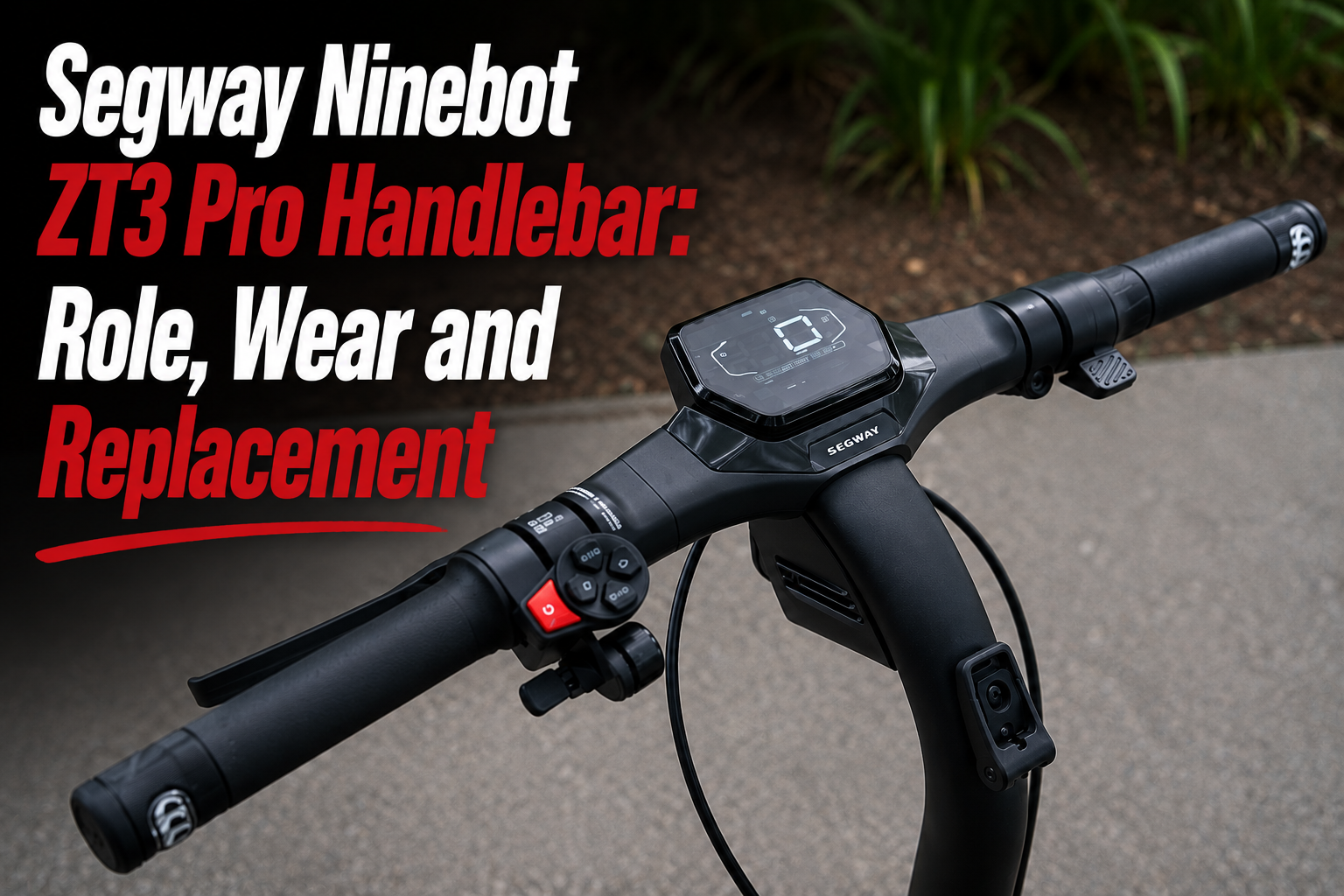
The Segway Ninebot ZT3 Pro Handlebar is an essential component for controlling the scooter and maintaining precise steering. It also supports several important riding controls, including the grips, brake levers and handlebar controls.
After a fall or significant impact, the Segway Ninebot ZT3 Pro Handlebar can become damaged, bent or misaligned. Replacing it helps restore a correct riding position and reliable control of the scooter.
What is the role of the Segway Ninebot ZT3 Pro Handlebar?
The handlebar is the main control point of the Segway Ninebot ZT3 Pro. Every steering movement made by the rider is transmitted through the steering system to the front wheel.
The Segway Ninebot ZT3 Pro Handlebar is used to:
- control the direction of the scooter;
- maintain a stable riding position;
- support the grips;
- support the brake levers;
- accommodate the different controls around the cockpit.
A properly installed and correctly aligned handlebar is therefore important for maintaining precise and predictable steering.
Why can a Segway Ninebot ZT3 Pro Handlebar become damaged?
The handlebar is not a traditional wear part that needs to be replaced after a specific mileage.
Damage generally occurs following a crash, fall or significant impact.
When the scooter falls onto its side, the handlebar can be one of the first parts to hit the ground. A strong impact can bend the Segway Ninebot ZT3 Pro Handlebar or damage its mounting area.
Regular use and repeated vibrations can also gradually loosen some components around the cockpit, which is why the handlebar and its mounting points should be checked periodically.
Signs of a damaged Segway Ninebot ZT3 Pro Handlebar
Several symptoms may indicate that your Segway Ninebot ZT3 Pro Handlebar needs to be inspected:
- bent or visibly deformed handlebar;
- handlebar no longer correctly aligned;
- unusual play in the cockpit;
- abnormal movement while riding;
- excessive vibrations;
- cracks or visible damage;
- damaged mounting points after a crash.
If the handlebar appears crooked while the front wheel is pointing straight ahead, the cause of the misalignment should be identified before continuing to ride.
Bent handlebar after a crash: should it be replaced?
A crash is one of the most common situations in which the Segway Ninebot ZT3 Pro Handlebar can be damaged.
However, a slight alignment issue does not necessarily mean that the handlebar itself is bent. Another component of the steering system may have moved during the impact.
Start by checking the alignment between the handlebar and the front wheel.
If the handlebar itself shows visible deformation, cracking or structural damage, replacement is recommended. A significantly bent handlebar should not simply be forced back into its original position.
Check the handlebar for play and loose components
If you notice play in the Segway Ninebot ZT3 Pro Handlebar, it is important to identify exactly where the movement comes from.
Play felt through the handlebar does not necessarily mean that the handlebar itself is defective. It may originate from another component in the steering or folding system.
Check the mounting points and the alignment of the cockpit, especially after a fall or impact.
Unusual movement, noises or vibrations should also be investigated before using the scooter again.
How to replace the Segway Ninebot ZT3 Pro Handlebar
Replacing the Segway Ninebot ZT3 Pro Handlebar requires removing the components installed on the original handlebar before the damaged part can be removed.
Depending on the configuration, the different controls and components around the cockpit must first be released. The original handlebar can then be removed and the replacement installed.
During installation, pay particular attention to:
- correct positioning of the new handlebar;
- proper cable routing;
- ensuring that no cable is pinched;
- avoiding excessive tension on the cables;
- reinstalling the controls correctly;
- tightening all mounting points;
- aligning the handlebar with the front wheel.
Once the new Segway Ninebot ZT3 Pro Handlebar is installed, turn the steering completely to the left and right to make sure that all cables move freely and that nothing interferes with the steering.
For a detailed view of the disassembly and installation process, you can follow our video tutorial below.
Before riding again, perform a final check of the handlebar alignment, controls, cables and all mounting points.
Where to buy a Segway Ninebot ZT3 Pro Handlebar
If your handlebar is bent, broken or damaged after a fall, replacing it allows you to restore the cockpit of your scooter.
You can find the compatible Segway Ninebot ZT3 Pro Handlebar below.
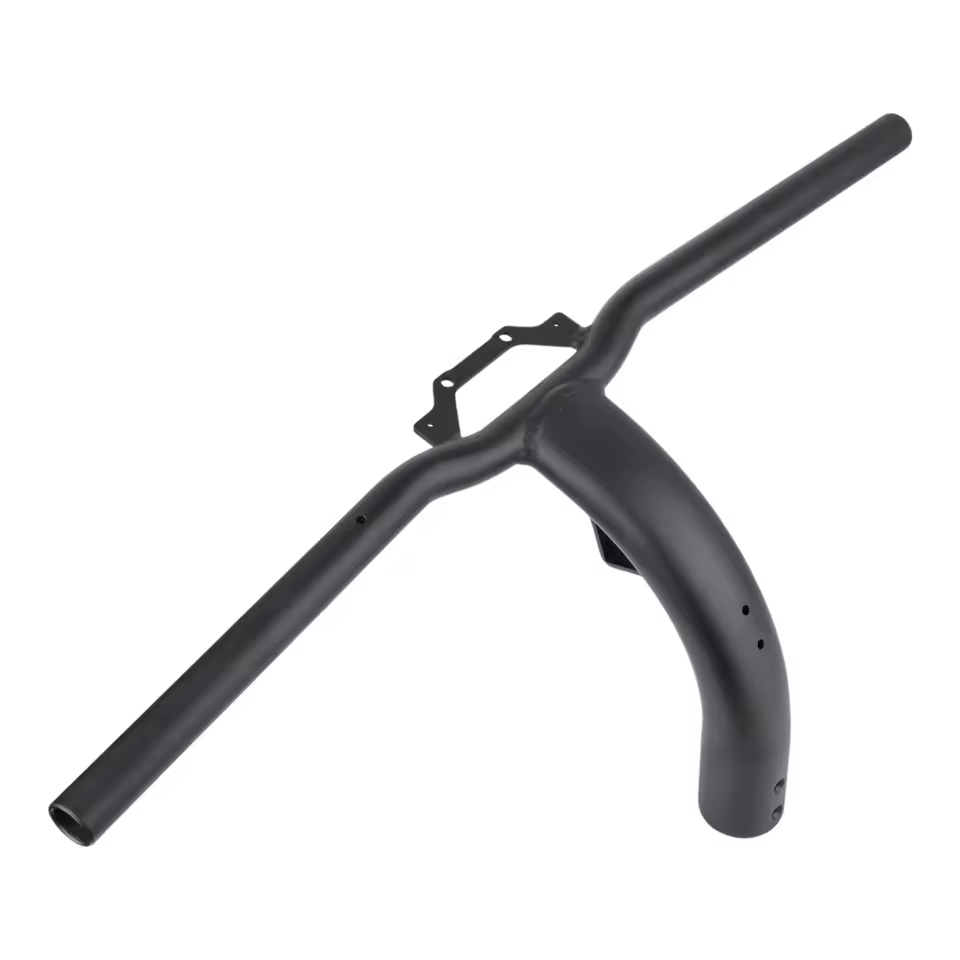
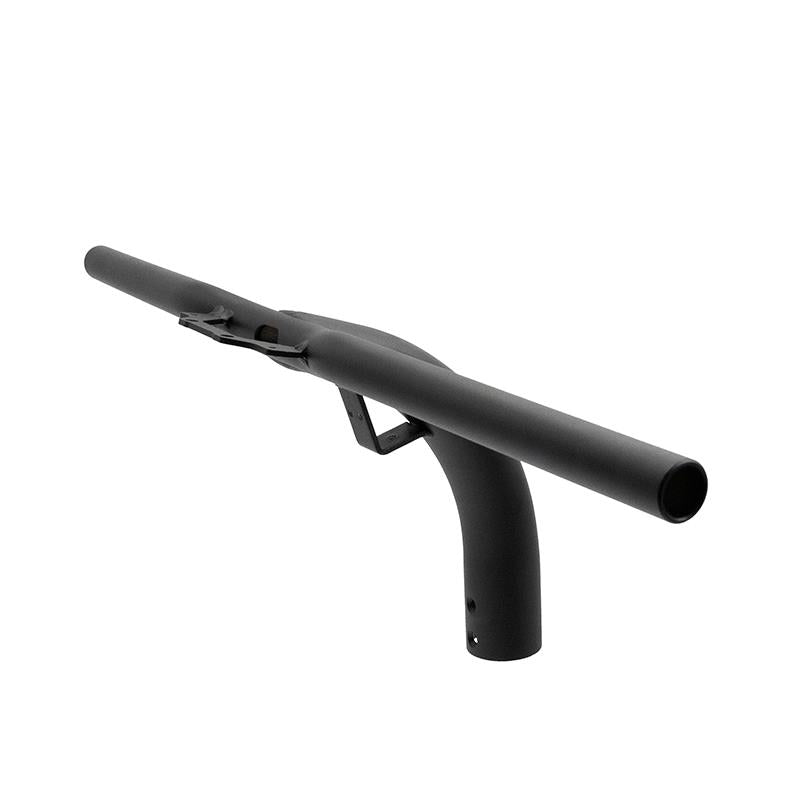
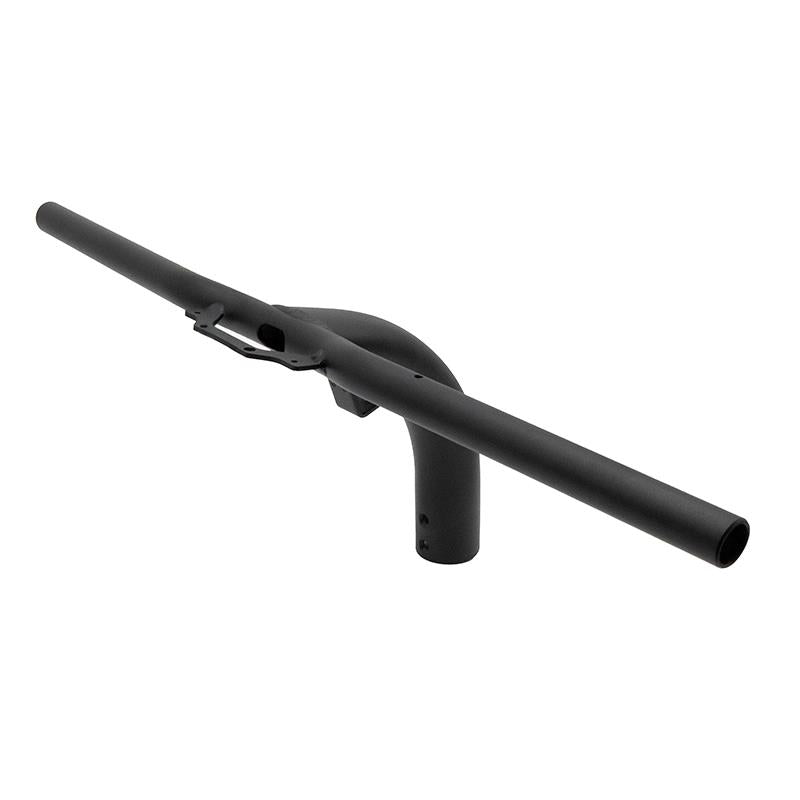
Regularly inspect the ZT3 Pro cockpit
Even when there is no visible damage, regularly checking the Segway Ninebot ZT3 Pro Handlebar and the entire cockpit can help identify potential issues.
Check the handlebar alignment, mounting points and the position of the different controls.
An inspection is particularly important after a crash, a significant impact or if unusual vibrations or play appear while riding.
Replacing a damaged Segway Ninebot ZT3 Pro Handlebar
The Segway Ninebot ZT3 Pro Handlebar plays a direct role in steering, stability and overall scooter control.
If it becomes bent, cracked or significantly damaged after a crash, replacing it helps restore a properly aligned cockpit.
After installing the new handlebar, carefully check the mounting points, cable routing and steering movement before riding your Segway Ninebot ZT3 Pro again.

Leave a Reply