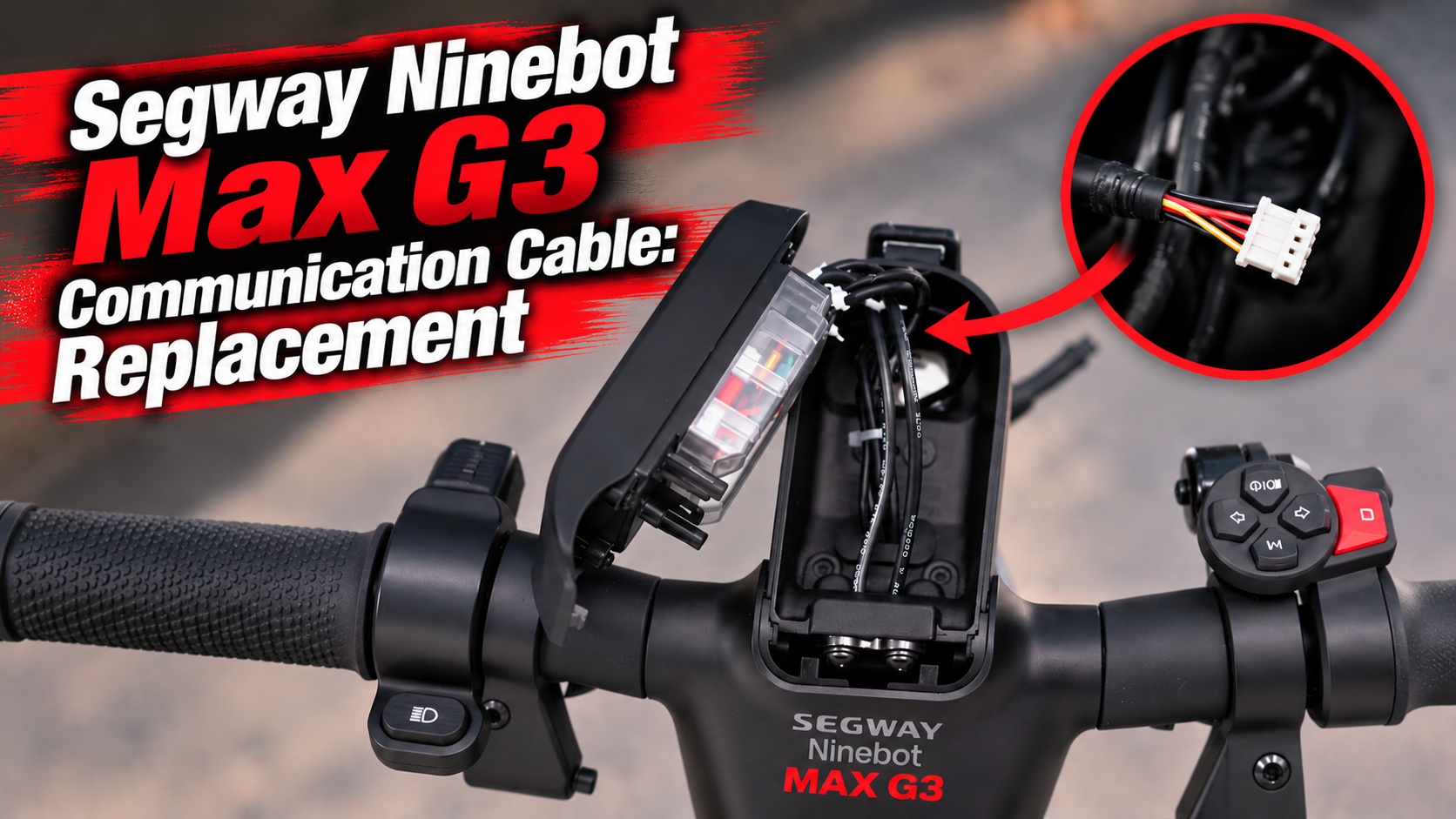
The Segway Ninebot Max G3 communication cable is an important part of the scooter’s electronic system. It transmits information to the display and allows data to circulate between the dashboard and the scooter’s electronics.
Located inside the dashboard and upper stem area, this cable is normally hidden and protected during everyday use. However, a damaged cable, loose connector or poor connection can cause display and communication problems.
In this guide, we explain the role of the Segway Ninebot Max G3 communication cable, the main signs of failure, what to check before replacing it and how to install a new cable.
What Does the Segway Ninebot Max G3 Communication Cable Do?
The Segway Ninebot Max G3 communication cable provides the connection required to transmit information between the dashboard and the scooter’s electronic system.
The Max G3 display provides the Rider with important information such as:
- speed;
- battery level;
- riding mode;
- indicator lights;
- lighting information;
- warnings and error codes.
The communication cable helps transfer the data required for these functions between the dashboard and the scooter.
It should therefore not be considered simply as a power cable. Its primary purpose is to maintain communication between the different electronic components.
Where Is the Segway Ninebot Max G3 Communication Cable Located?
The Segway Ninebot Max G3 communication cable is located inside the dashboard area and runs through the upper section of the stem.
Its internal position protects it from direct impacts and external elements. However, the cable can still be exposed to movement and vibrations while riding.
Accessing it requires opening parts of the dashboard and carefully working around the internal wiring.
Why Can the Communication Cable Become Damaged?
Unlike tires or brake pads, the Segway Ninebot Max G3 communication cable is not a conventional wear part. There is therefore no specific mileage at which it should automatically be replaced.
Damage can nevertheless occur because of:
- repeated vibrations;
- steering movements;
- repeated folding and unfolding;
- incorrect cable routing;
- a pinched or crushed cable;
- a partially disconnected connector;
- damaged connector pins;
- excessive tension on the wiring;
- moisture or oxidation;
- incorrect cable positioning after a previous repair.
Problems can also appear after working on the dashboard if the cable has been pulled, trapped or incorrectly reconnected during reassembly.
Signs of a Faulty Segway Ninebot Max G3 Communication Cable
A faulty Segway Ninebot Max G3 communication cable can cause different electronic problems.
Possible symptoms include:
- the display switching off intermittently;
- the display freezing;
- information no longer appearing correctly;
- dashboard controls not responding normally;
- interruptions when turning the handlebar;
- problems appearing when folding or unfolding the scooter;
- communication-related error messages;
- intermittent dashboard operation.
A particularly useful clue is a problem that appears or disappears when the handlebar or stem is moved. In this situation, the cable and its connectors should be inspected carefully.
However, these symptoms do not automatically confirm a defective communication cable. The dashboard, controller or another electronic connection may also be responsible.
What Should You Check Before Replacing the Cable?
Before replacing the Segway Ninebot Max G3 communication cable, inspect the cable and its connections.
Switch the scooter completely off before opening the dashboard or disconnecting any wiring.
Once you have access to the internal components, check:
- whether each connector is fully connected;
- whether any connector pins are damaged;
- whether the cable is cut or damaged;
- whether part of the cable has been pinched;
- whether the cable is excessively bent;
- whether the wiring has been crushed;
- whether there are signs of moisture or oxidation.
When disconnecting a connector, handle the connector itself rather than pulling directly on the wires.
A loose or partially connected plug can sometimes cause intermittent communication problems without the cable itself needing replacement.
Communication Cable or Display Failure?
A faulty Segway Ninebot Max G3 communication cable and a defective display can sometimes produce similar symptoms.
This can make diagnosis more difficult.
If the display operates normally but cuts out when you turn the handlebar, move the stem or fold the scooter, inspect the communication cable and connectors first.
If the display remains completely unresponsive, the cable may still be responsible, but the dashboard and other electronic connections should also be checked before ordering replacement parts.
Performing these checks can prevent you from replacing the display when the actual problem is simply its communication connection.
When Should the Segway Ninebot Max G3 Communication Cable Be Replaced?
There is no scheduled replacement interval for this component.
The Segway Ninebot Max G3 communication cable should be replaced when its physical condition or diagnosis indicates that it can no longer provide a reliable connection.
Replacement may be necessary when:
- the cable is cut;
- its outer insulation is seriously damaged;
- a connector is damaged;
- connector pins are broken or damaged;
- communication interruptions continue after checking the connections;
- the display repeatedly loses communication;
- a communication fault persists after other relevant checks.
A communication cable that is in good condition and functioning normally does not need preventive replacement.
How to Replace the Segway Ninebot Max G3 Communication Cable
Replacing the cable requires access to the inside of the dashboard and careful routing of the new wiring.
Start by completely switching off your Segway Ninebot Max G3 and placing the scooter on a stable surface.
Before removing the original cable, carefully observe its position and routing. Taking a few photos before disassembly can also make installation easier.
The replacement process generally involves:
- Open the dashboard area.
- Identify the communication cable and its connectors.
- Note the original cable routing.
- Carefully disconnect the connectors.
- Release the cable from its routing inside the stem.
- Remove the damaged communication cable.
- Route the replacement cable through the same path.
- Reconnect each connector correctly.
- Make sure every connection is fully seated.
- Position the wiring correctly before closing the dashboard.
Cable routing is particularly important.
The new Segway Ninebot Max G3 communication cable must not be pinched, crushed or excessively stretched. It should also have enough freedom to accommodate steering movement without pulling on its connectors.
Segway Ninebot Max G3 Communication Cable Video Tutorial
Accessing the dashboard and routing the cable through the scooter can be easier to understand visually.
Our video tutorial shows the different steps required to access the wiring, remove the original cable and correctly install the replacement.
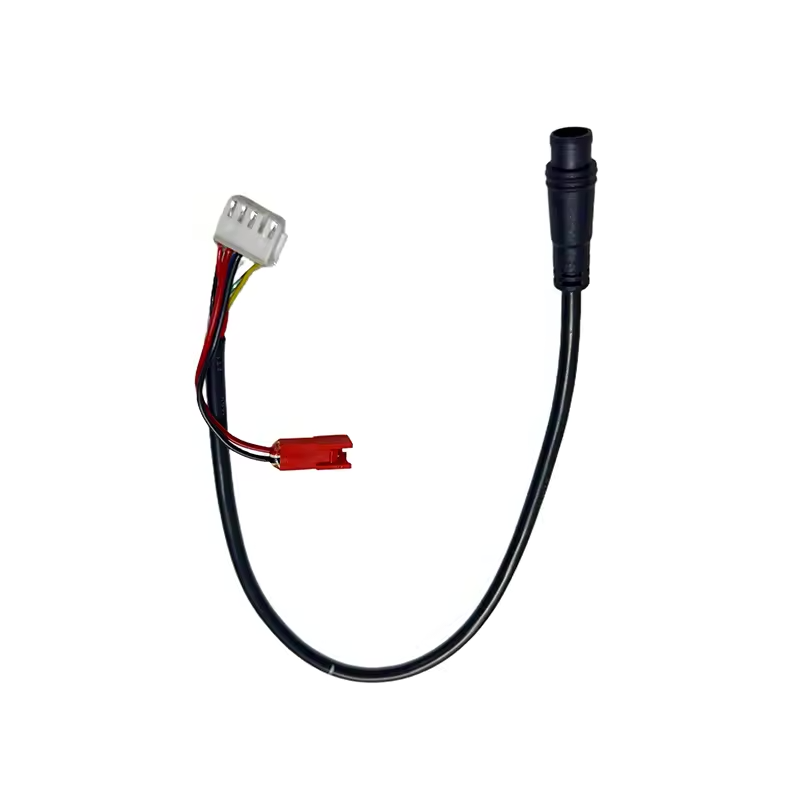
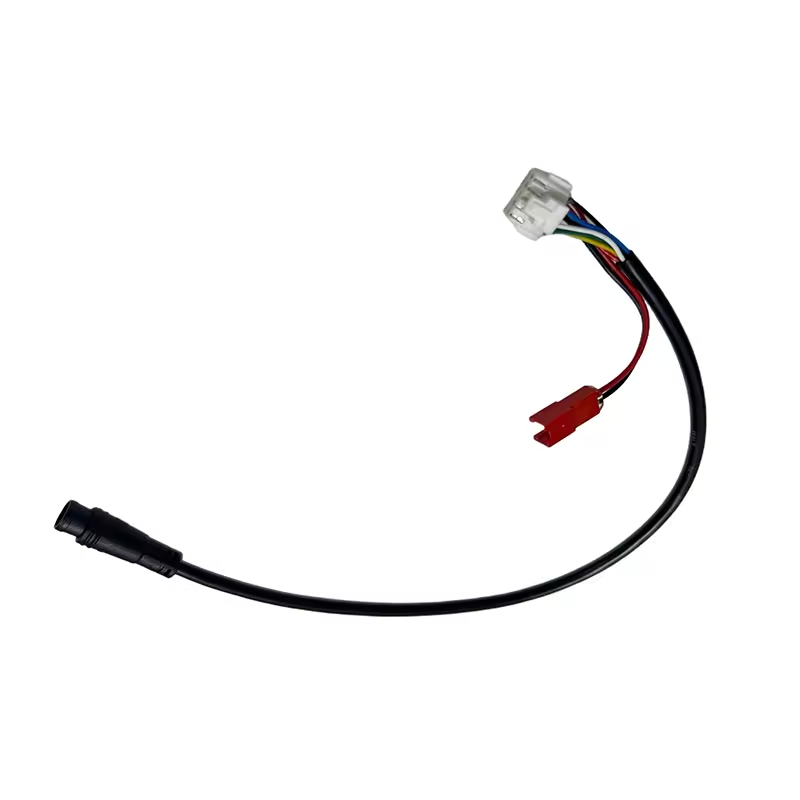
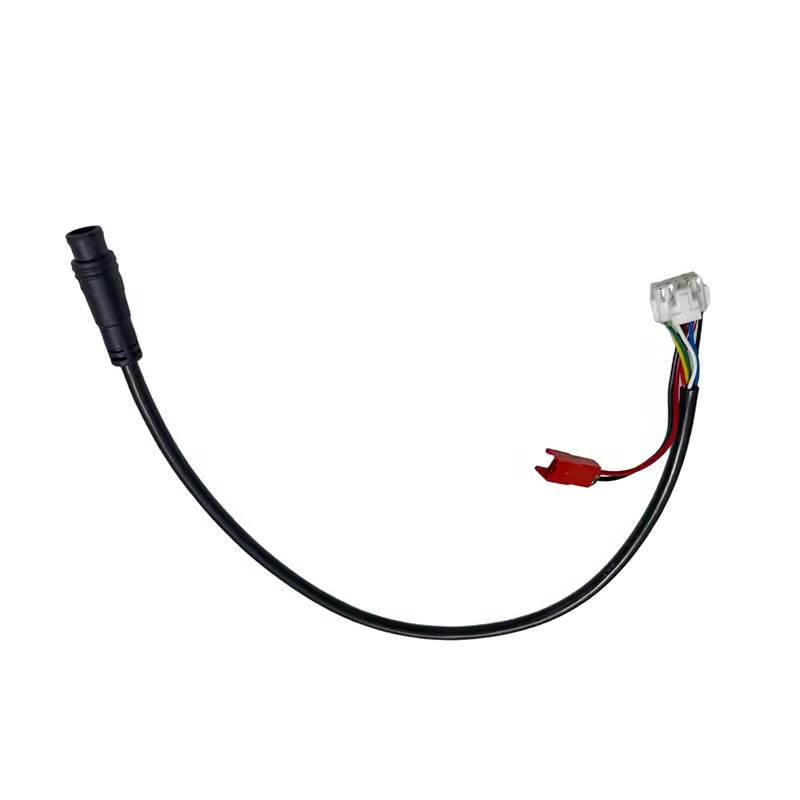
Segway Ninebot Max G3 Communication Cable
If your cable is physically damaged or troubleshooting confirms a communication problem within the wiring, it can be replaced with a compatible part.
What Should You Check After Replacement?
Before completely closing the dashboard, inspect the installation one final time.
Make sure:
- every connector is properly connected;
- no connector pins have been damaged;
- the cable follows the correct routing;
- no wires are trapped or pinched;
- the wiring is not under excessive tension.
After reassembly, switch on the scooter and check the display.
Confirm that the speed, battery level, riding modes and indicator lights are displayed normally. Test the main dashboard controls as well.
Finally, slowly turn the handlebar fully to the left and right. The display should continue operating normally without interruptions or communication errors.
How to Protect the Communication Cable
The Segway Ninebot Max G3 communication cable does not require regular maintenance like a mechanical wear part.
However, whenever you work on the dashboard or stem, pay close attention to the wiring position. Incorrectly routed cables can become trapped during reassembly or placed under excessive tension when the handlebar moves.
If your Max G3 develops intermittent display or communication problems, checking the cable and its connectors before immediately replacing the dashboard can help identify the actual cause.
For repairs, choose Segway Ninebot Max G3 compatible parts tested and validated by the Riders community.
Leave a Reply