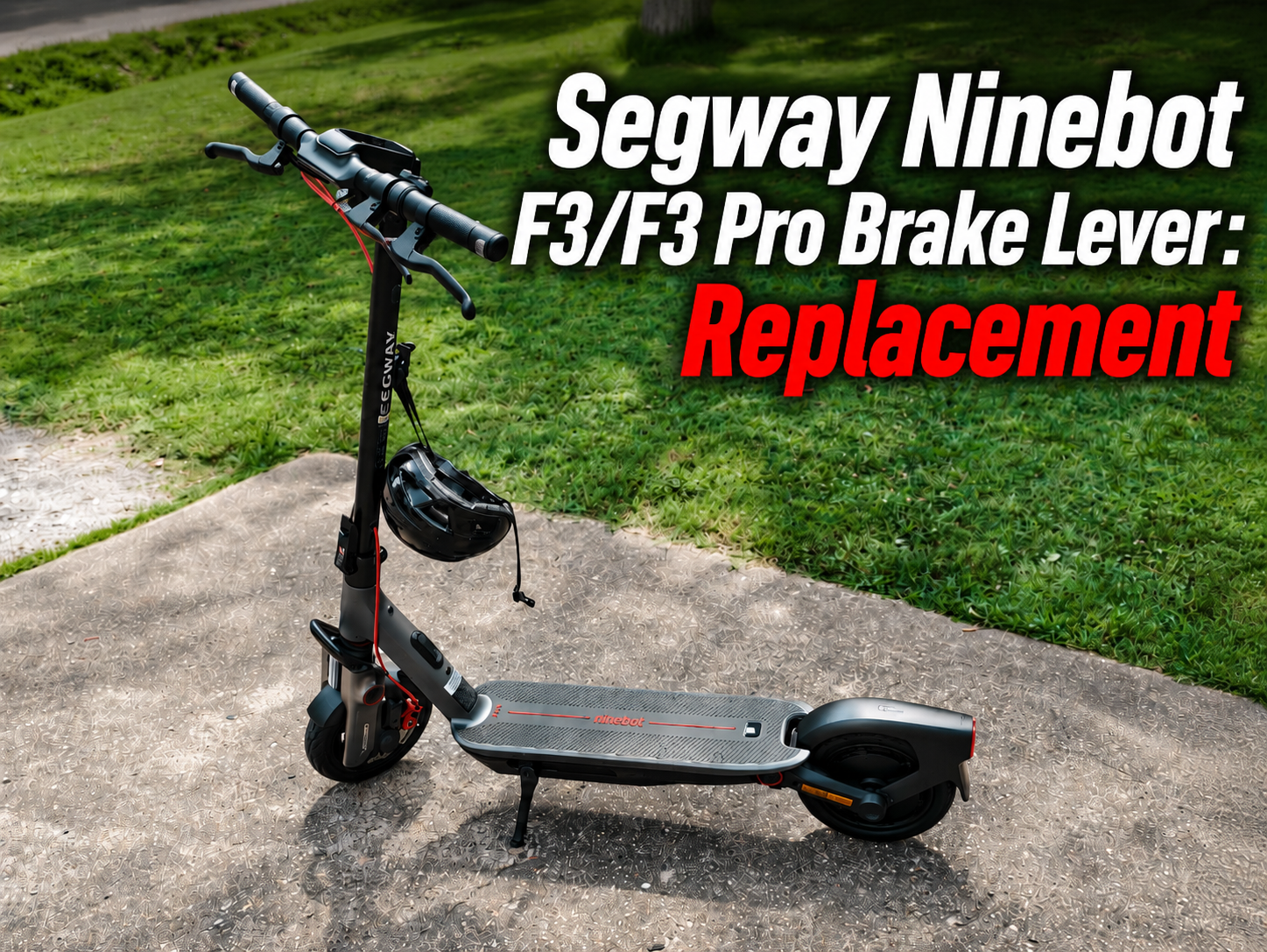
The Segway Ninebot F3/F3 Pro brake lever is an essential part of the scooter’s braking controls. Located on the handlebar, it allows the rider to activate the braking system and control deceleration precisely.
The left and right Segway Ninebot F3/F3 Pro brake levers are separate replacement parts. In this guide, you will find two dedicated video tutorials, followed by two separate product pages for the left and right brake levers.
What Is the Role of the Segway Ninebot F3/F3 Pro Brake Lever?
The Segway Ninebot F3/F3 Pro brake lever allows the rider to control braking directly from the handlebar.
When the lever is pressed, it activates the braking system to slow down or stop the scooter.
A brake lever in good condition should provide smooth and predictable operation. It should move freely and return correctly to its original position when released.
Because the brake levers are directly involved in braking, their condition should be checked regularly.
Why Can a Segway Ninebot F3/F3 Pro Brake Lever Become Damaged?
The Segway Ninebot F3/F3 Pro brake lever is particularly exposed during a fall because it is positioned at the end of the handlebar assembly.
Several situations can cause damage:
- a fall;
- an accident;
- a direct impact on the handlebar;
- a bent brake lever;
- a cracked or broken lever;
- repeated intensive use;
- excessive play in the mechanism;
- loose mounting hardware;
- damaged wiring;
- a damaged electrical connector.
After a fall, it is recommended to inspect the brake controls before riding again.
What Are the Signs of a Damaged Segway Ninebot F3/F3 Pro Brake Lever?
Several symptoms can indicate that a Segway Ninebot F3/F3 Pro brake lever needs to be inspected or replaced.
Check the lever if you notice:
- a visibly bent lever;
- a cracked or broken lever;
- excessive play;
- unusually stiff operation;
- irregular movement;
- a lever that does not return correctly;
- a loose lever on the handlebar;
- reduced braking response;
- intermittent operation;
- a damaged cable or connector.
A braking problem does not necessarily mean that the brake lever itself is defective.
Before replacing it, also inspect the cable, brake caliper, brake pads, brake disc and the associated connections.
When Should You Replace the Segway Ninebot F3/F3 Pro Brake Lever?
There is no fixed mileage interval for replacing a Segway Ninebot F3/F3 Pro brake lever.
As long as the lever remains securely mounted, undamaged and operates correctly, replacement is generally unnecessary.
However, replacement is recommended if:
- the lever is broken;
- the lever is significantly bent;
- it has been damaged after a fall;
- it no longer returns correctly;
- the mechanism has excessive play;
- the lever becomes unusually difficult to operate;
- the problem remains after checking the surrounding components.
A damaged brake lever can directly affect braking control and should therefore be inspected quickly.
Check the Brake System Before Replacing the Lever
Before installing a new Segway Ninebot F3/F3 Pro brake lever, check the other components connected to the braking system.
Inspect:
- the brake cable;
- the electrical connector;
- the connector pins;
- the cable routing;
- the brake caliper;
- the brake pads;
- the brake disc;
- the lever mounting hardware.
A poor adjustment or damaged cable can sometimes produce symptoms similar to a defective brake lever.
Segway Ninebot F3/F3 Pro Brake Lever Video Tutorials
There are separate procedures for the left and right Segway Ninebot F3/F3 Pro brake levers.
The following two tutorials show how to remove the original brake controls and correctly install the replacement parts.
Video Tutorial: Left Segway Ninebot F3/F3 Pro Brake Lever
This tutorial explains how to replace the left Segway Ninebot F3/F3 Pro brake lever.
Before starting, completely switch off the scooter and place it on a stable surface. Carefully remove the original lever, disconnect the necessary cable and connector, and install the replacement in the correct position.
Video Tutorial: Right Segway Ninebot F3/F3 Pro Brake Lever
This second tutorial explains how to replace the right Segway Ninebot F3/F3 Pro brake lever.
Pay particular attention to the mounting position, electrical connection and cable routing during installation.
Segway Ninebot F3/F3 Pro Brake Lever Product Pages
Once you have identified which side needs to be replaced, select the corresponding Segway Ninebot F3/F3 Pro brake lever.
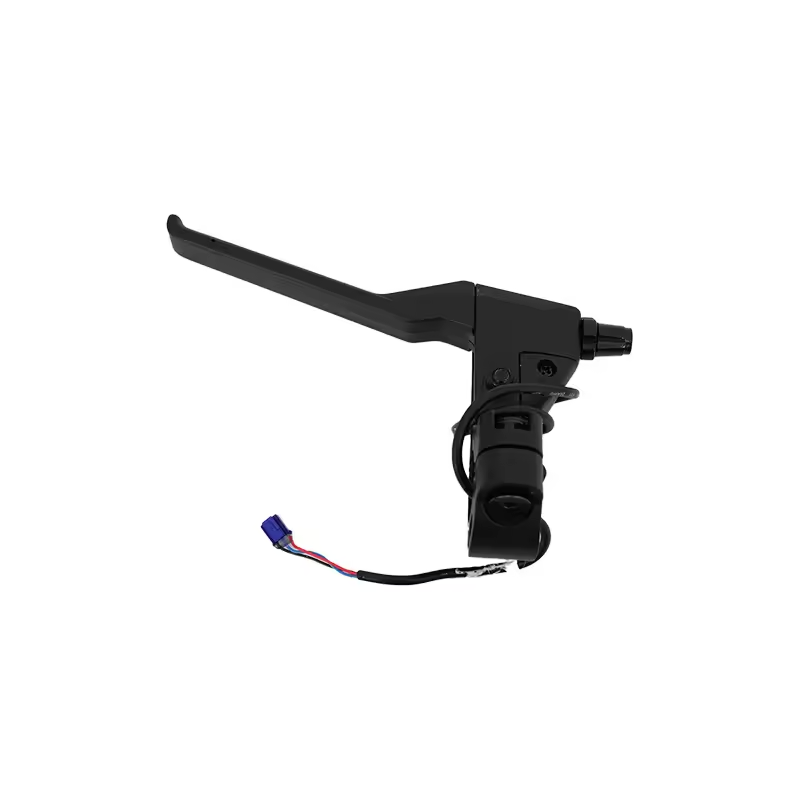
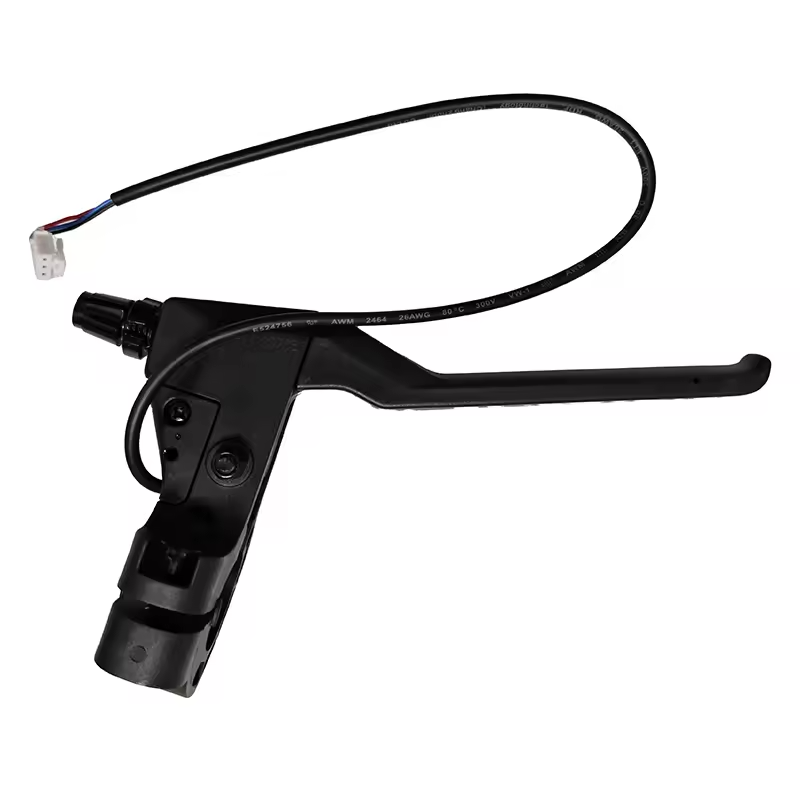
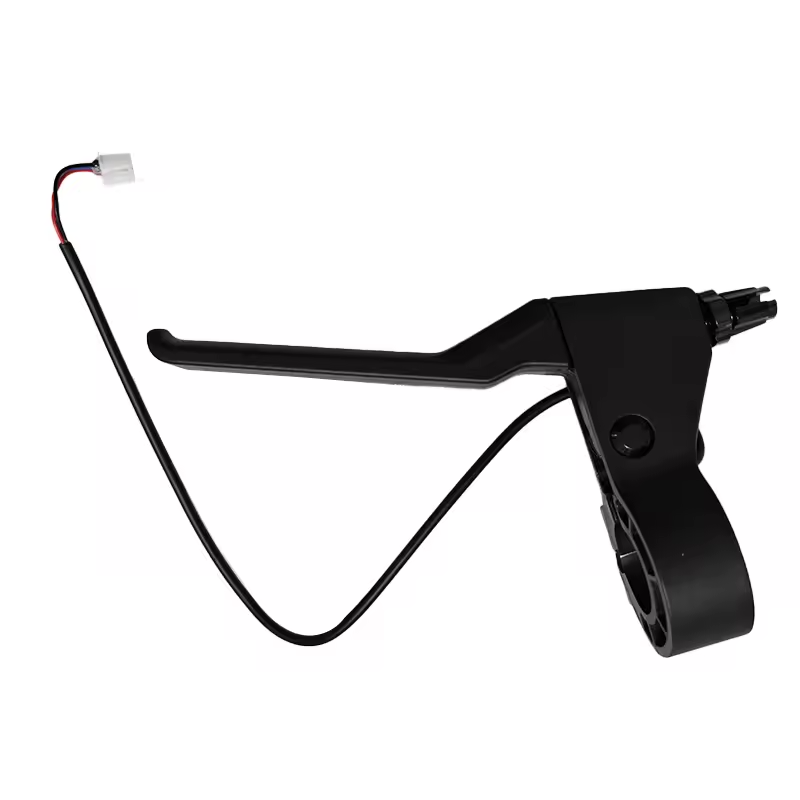
Segway Ninebot F3/F3 Pro Left Brake Lever
The Segway Ninebot F3/F3 Pro left brake lever is designed to directly replace the original left-side brake control.
Choose the left version if your original lever is bent, broken, damaged or no longer operates correctly.
Segway Ninebot F3/F3 Pro Right Brake Lever
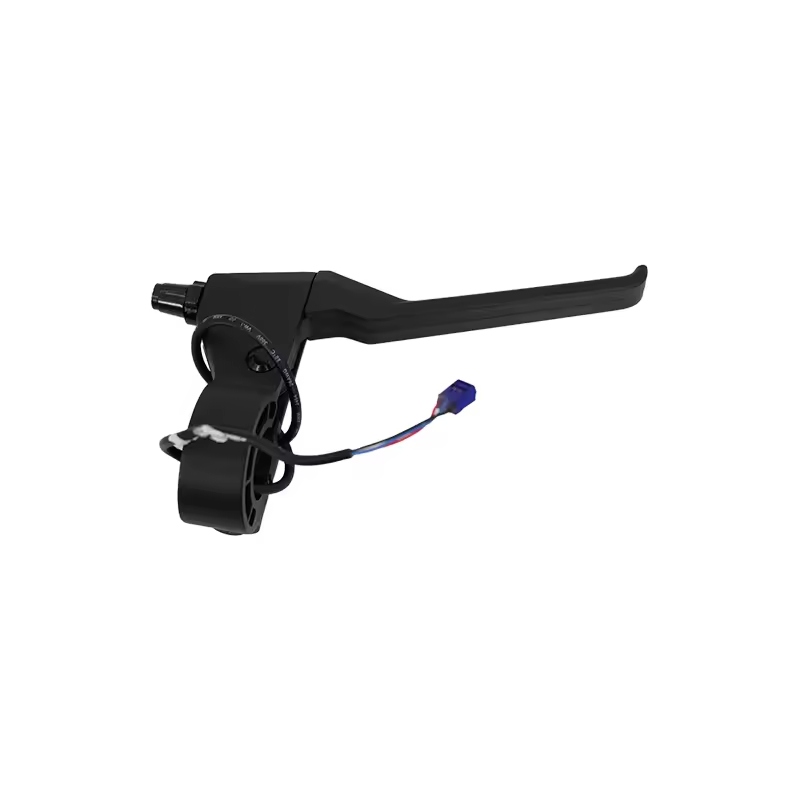
The Segway Ninebot F3/F3 Pro right brake lever is the replacement part for the right side of the handlebar.
Choose this version when the right lever is damaged or no longer operates correctly.
What Should You Check During Installation?
Whether you are replacing the left or right Segway Ninebot F3/F3 Pro brake lever, several points should be checked carefully during installation.
Make sure:
- the lever is correctly positioned;
- the mounting hardware is properly tightened;
- the connector is fully connected;
- the cable follows the correct routing;
- no cable is pinched;
- the wiring is not excessively stretched;
- the lever moves freely;
- the lever returns correctly after being released.
Do not pull directly on electrical wires when disconnecting a connector.
What Should You Check After Replacing a Brake Lever?
After installing the new Segway Ninebot F3/F3 Pro brake lever, press and release it several times while the scooter is stationary.
The movement should remain smooth and the lever should return normally to its initial position.
Also check:
- the stability of the lever on the handlebar;
- the electrical connection;
- the cable routing;
- the braking response;
- the absence of abnormal play;
- the absence of unusual noises.
Turn the handlebar completely to the left and right to make sure no cable becomes pinched or excessively stretched.
Finally, perform several braking tests at low speed in a safe area before returning to normal riding.
How to Maintain the Segway Ninebot F3/F3 Pro Brake Lever
The Segway Ninebot F3/F3 Pro brake lever does not need to be replaced at a specific mileage.
Regular inspection is more important.
Periodically check for:
- cracks;
- deformation;
- abnormal play;
- loose mounting hardware;
- stiff movement;
- damaged cables;
- damaged connectors.
After a fall or an impact around the handlebar, inspect the brake controls before continuing to use the scooter normally.
Maintaining the Braking Controls on Your Segway Ninebot F3/F3 Pro
The Segway Ninebot F3/F3 Pro brake lever is an important component for maintaining precise and predictable braking control.
If a lever becomes bent, broken or no longer functions correctly, inspect the braking system and replace the damaged component when necessary.
With separate video tutorials for the left and right brake levers, you can follow the appropriate replacement procedure before selecting the corresponding replacement part.
For maintenance and repairs, choose Segway Ninebot F3/F3 Pro parts tested and approved by the Riders community, selected for their compatibility, reliability and durability

Leave a Reply