Segway Ninebot E3/E3 Pro Error Codes: understanding alerts
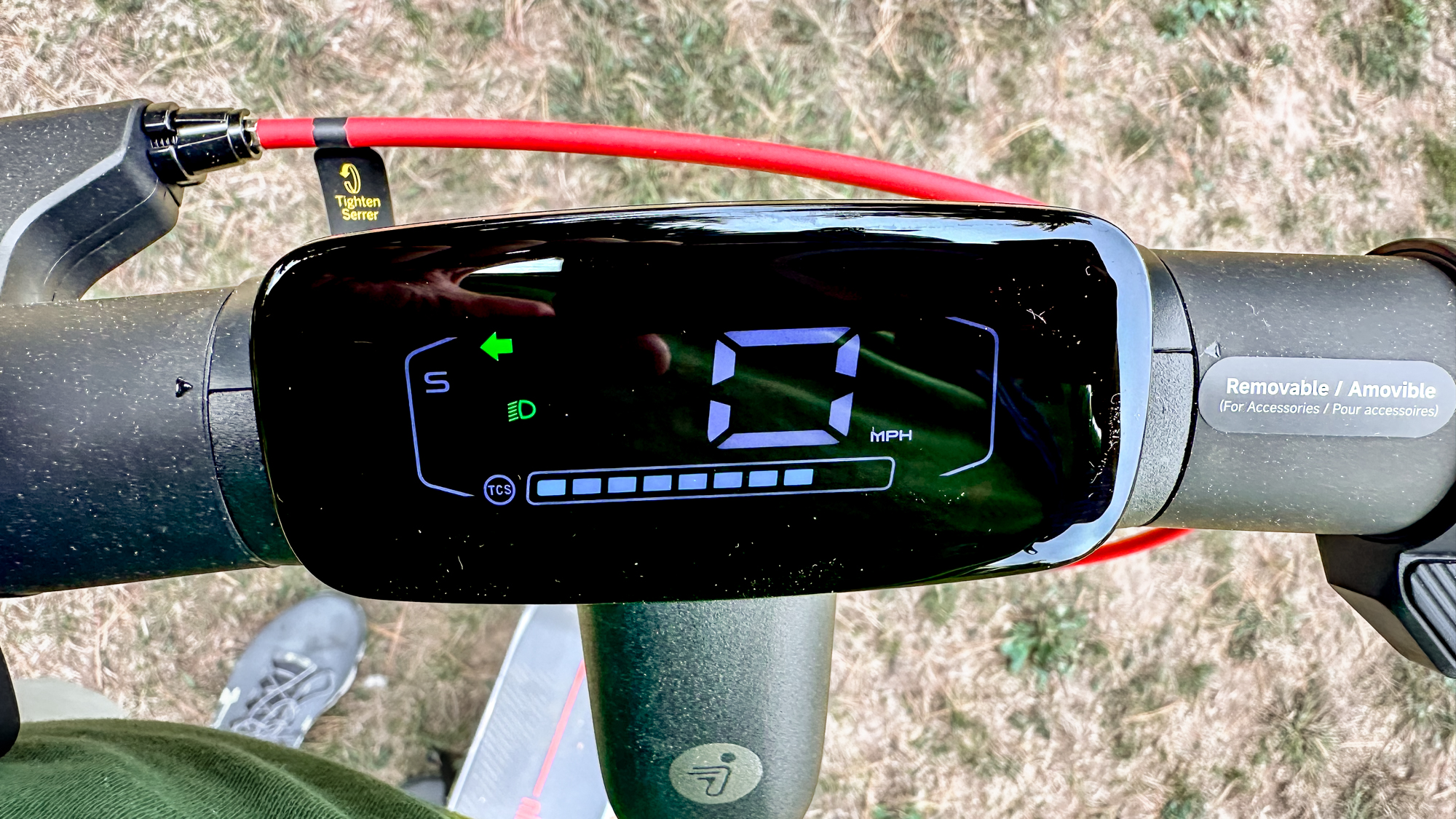
The Segway Ninebot E3/E3 Pro Error codes appear on the dashboard as a number accompanied by a warning beep.
These alerts help quickly identify a technical issue in order to protect your scooter and ensure safe riding.
In this guide, you’ll find all Segway Ninebot E3/E3 Pro Error codes listed in ascending order, along with their explanations and recommended solutions.
Error 10 – dashboard communication – Segway Ninebot E3/E3 Pro Error codes
Explanation
Dashboard communication issue.
Solution
Check whether the connector pins are bent and carefully realign them if necessary.
If the scooter has been exposed to rain or moisture, the dashboard may have suffered water damage and could require replacement.
Error 11 – controller current – Segway Ninebot E3/E3 Pro Error codes
Explanation
Abnormal current reading detected in the controller.
Solution
Turn the scooter off and restart it.
If the problem persists, replace the controller.
Error 12 – controller current – Segway Ninebot E3/E3 Pro Error codes
Explanation
Controller current sampling error.
Solution
Restart the scooter.
If the error remains, the controller should be replaced.
Error 14 – throttle – Segway Ninebot E3/E3 Pro Error codes
Explanation
Throttle Hall sensor signal error.
Solution
Check whether the throttle properly returns to its neutral position.
Adjust it if necessary using a 3 mm hex key.
Inspect all throttle connections.
If the issue persists, replace the throttle or the dashboard.
Error 50 – motor – Segway Ninebot E3/E3 Pro Error codes
Explanation
Motor malfunction.
Solution
Check the motor wiring connections.
Reconnect the cables if necessary.
If the issue continues, replace the motor.
Error 51 – controller overvoltage – Segway Ninebot E3/E3 Pro Error codes
Explanation
Controller overvoltage detected.
Solution
Only use the original Segway charger.
A non-compatible charger is often the cause of this error.
Error 52 – motor blocked – Segway Ninebot E3/E3 Pro Error codes
Explanation
The motor cannot rotate properly.
Solution
Restart the scooter after waiting a few minutes.
Check that no object is blocking the wheel.
Make sure the scooter is not overloaded.
If necessary, replace the motor.
Error 53 – controller overcurrent – Segway Ninebot E3/E3 Pro Error codes
Explanation
The controller detects excessive current.
Solution
Turn off the scooter, wait one minute, and restart it.
Avoid overloading or excessive riding intensity.
If the issue persists, contact after-sales support.
Error 54 – controller overload – Segway Ninebot E3/E3 Pro Error codes
Explanation
Controller overload detected.
Solution
Restart the scooter.
Reduce the load or riding intensity.
If the error continues to appear, service intervention may be required.
How to avoid Segway Ninebot E3/E3 Pro Error codes
Regular maintenance helps reduce the appearance of Segway Ninebot E3/E3 Pro Error codes.
Check wiring connections regularly, avoid excessive moisture, always use the original charger, and respect the scooter’s maximum load limits.
Some errors can disappear after a simple restart, but persistent issues should be addressed quickly.
Maintain your Segway Ninebot E3/E3 Pro with community-approved parts
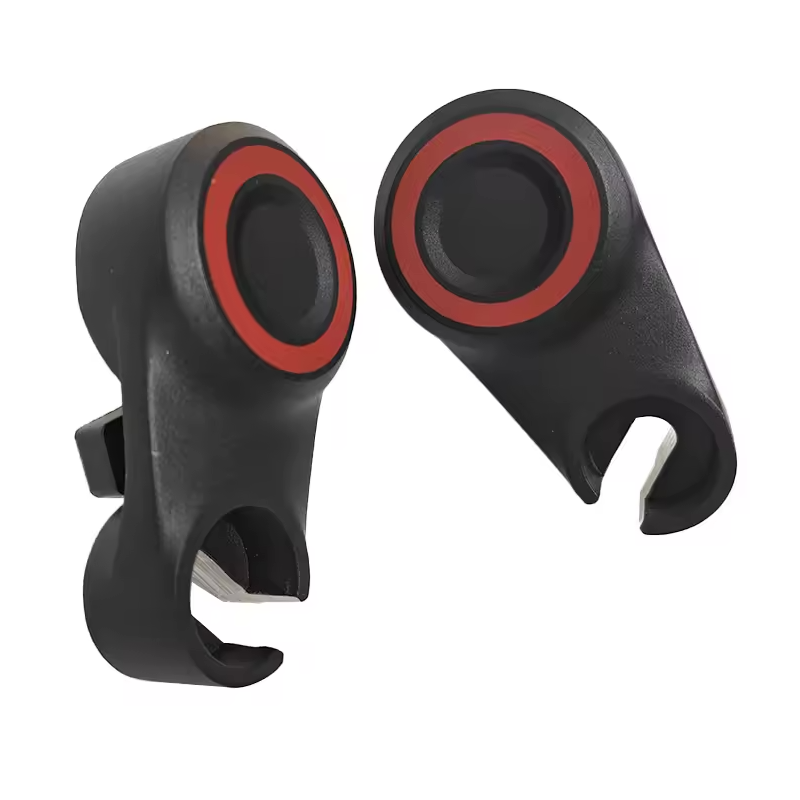
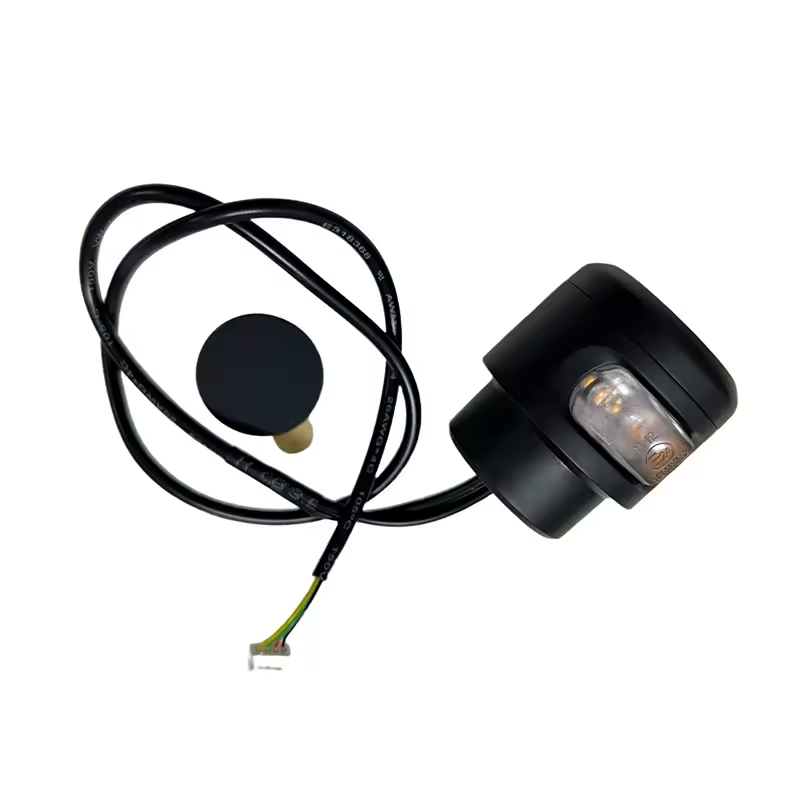
To repair, maintain, or upgrade your scooter, discover Segway Ninebot E3/E3 Pro parts tested and approved by the Riders community.
Using reliable components helps extend the lifespan of your scooter and ensures safer, smoother rides every day.

Leave a Reply