
KuKirin G2 Disc Brake: Wear, Maintenance and Replacement
The KuKirin G2 Disc Brake is an essential part of the scooter’s braking system. Working together with the brake pads and caliper, the disc creates the friction needed to slow down and stop the wheel effectively.
On the KuKirin G2, the brake disc has a 160 mm diameter and uses a 6-hole mounting system. These specifications are important when choosing a replacement disc.
In this guide, we explain the role of the KuKirin G2 Disc Brake, the main signs of wear or damage, what to check and how to replace a worn or warped brake disc.
KuKirin G2 Disc Brake Specifications
The KuKirin G2 Disc Brake featured in this guide has the following specifications:
- Diameter: 160 mm
- Mounting: 6 holes
- Compatible with: KuKirin G2 2025 & 2026
- Mounted directly to the wheel hub
- Designed to work with the scooter’s brake caliper and brake pads
The diameter is particularly important when ordering a replacement.
Some other KuKirin G2 versions may use different brake disc sizes. For the KuKirin G2 covered in this guide, the correct specification is a 160 mm brake disc with 6 mounting holes.
What Does the KuKirin G2 Disc Brake Do?
When you pull the brake lever, the brake pads inside the caliper press against both sides of the disc.
The friction between the pads and the KuKirin G2 Disc Brake slows the rotation of the wheel.
For consistent braking, the disc should remain:
- straight;
- correctly aligned;
- securely mounted;
- free from significant damage;
- free from oil or grease contamination.
A damaged or warped brake disc can also cause uneven brake pad wear and make caliper adjustment more difficult.
Why Does a KuKirin G2 Disc Brake Wear Out?
Every time you brake, the disc is exposed to friction and heat.
Over time, this repeated braking gradually wears the surface of the KuKirin G2 Disc Brake.
Wear can be accelerated by:
- frequent braking;
- hard braking;
- long downhill sections;
- aggressive riding;
- heavily worn brake pads;
- an incorrectly aligned caliper;
- impacts to the brake disc;
- contamination of the braking surface.
A brake disc can also become warped after an impact even if the braking surface itself is not heavily worn.
Signs of a Worn or Damaged KuKirin G2 Disc Brake
Several symptoms can indicate that your brake disc needs to be inspected.
Pay particular attention to:
- reduced braking performance;
- increased stopping distance;
- vibrations while braking;
- metallic noises;
- rubbing during wheel rotation;
- deep scratches on the braking surface;
- uneven disc wear;
- a visibly warped disc;
- inconsistent braking.
A warped disc can often be detected by manually rotating the wheel.
Watch the 160 mm brake disc as it passes between the brake pads. If it moves closer to one pad and then the other during each rotation, the disc may be warped.
Check the Brake Pads Before Replacing the Disc
A braking problem does not necessarily mean that the KuKirin G2 Disc Brake needs replacement.
Inspect the brake pads at the same time.
Worn brake pads can cause:
- reduced braking performance;
- squeaking or grinding;
- metallic noises;
- scratches on the brake disc;
- inconsistent braking.
If the friction material is completely worn away, the metal backing of the brake pad can come into direct contact with the disc.
This can quickly damage the braking surface.
For this reason, the brake pads and disc should always be inspected together when diagnosing a braking problem.
How to Check if the KuKirin G2 Disc Brake Is Warped
Switch off your KuKirin G2 and place it on a stable support so the wheel can rotate freely.
Slowly rotate the wheel and watch the brake disc as it passes through the caliper.
If you hear a constant light rubbing sound, the caliper may simply need adjustment.
However, if the disc touches a brake pad only at a specific point during each rotation, the KuKirin G2 Disc Brake may be warped.
Also inspect the 6 mounting bolts and make sure the disc is correctly secured to the wheel hub.
When Should You Replace a KuKirin G2 Disc Brake?
We recommend paying closer attention to the condition of the brake disc from approximately 1,500 to 2,000 km, depending on how the scooter is used.
However, mileage should only be used as a reference.
A KuKirin G2 Disc Brake may need to be replaced earlier if it is:
- warped;
- deeply scratched;
- damaged by an impact;
- excessively worn;
- causing persistent vibrations;
- damaged by completely worn brake pads.
The actual condition of the disc should always take priority over mileage.
How to Replace a KuKirin G2 Disc Brake
Replacing the brake disc requires access to the wheel and its mounting points.
Before starting, completely switch off the scooter and place it on a stable support.
Avoid touching the braking surface of the new disc with greasy or dirty hands.
Oil or grease contamination can transfer to the brake pads and negatively affect braking performance.
KuKirin G2 Disc Brake Replacement Video Tutorial
Replacing the brake disc involves removing the wheel, accessing the mounting bolts and correctly aligning the new disc with the caliper.
Our video tutorial shows the different steps required to replace the KuKirin G2 Disc Brake correctly.
KuKirin G2 Disc Brake 160 mm
If your original disc is worn, scratched, warped or damaged, replace it with a compatible brake disc matching the specifications of your scooter.
For the KuKirin G2 2025 featured in this guide:
Diameter: 160 mm — Mounting: 6 holes


What Should You Check After Replacement?
Once the new KuKirin G2 Disc Brake is installed, do not immediately return to normal riding speeds.
First, manually rotate the wheel.
The disc should pass correctly between the brake pads without excessive rubbing.
Then operate the brake lever several times and check:
- braking response;
- caliper alignment;
- absence of abnormal vibrations;
- absence of metallic noises;
- correct tightening of the components.
Perform your first braking tests at low speed before returning to normal riding.
How to Maintain the KuKirin G2 Disc Brake
Regular inspection can help you identify problems before they affect braking performance.
Inspect the braking surface periodically and take a closer look at the disc whenever you replace the brake pads.
If the caliper starts squeaking, check the brake pads and disc first. If both are in good condition but the noise continues, the brake caliper itself may be starting to wear.
Also keep oil, grease and unsuitable cleaning products away from the braking surface.
Keep Your KuKirin G2 Braking System in Good Condition
The KuKirin G2 Disc Brake has a 160 mm diameter and a 6-hole mounting system.
Inspect its condition regularly, especially when replacing brake pads or if you notice vibrations, rubbing, unusual noises or reduced braking performance.
For maintenance and repairs, choose KuKirin G2 compatible parts tested and approved by the Riders community.
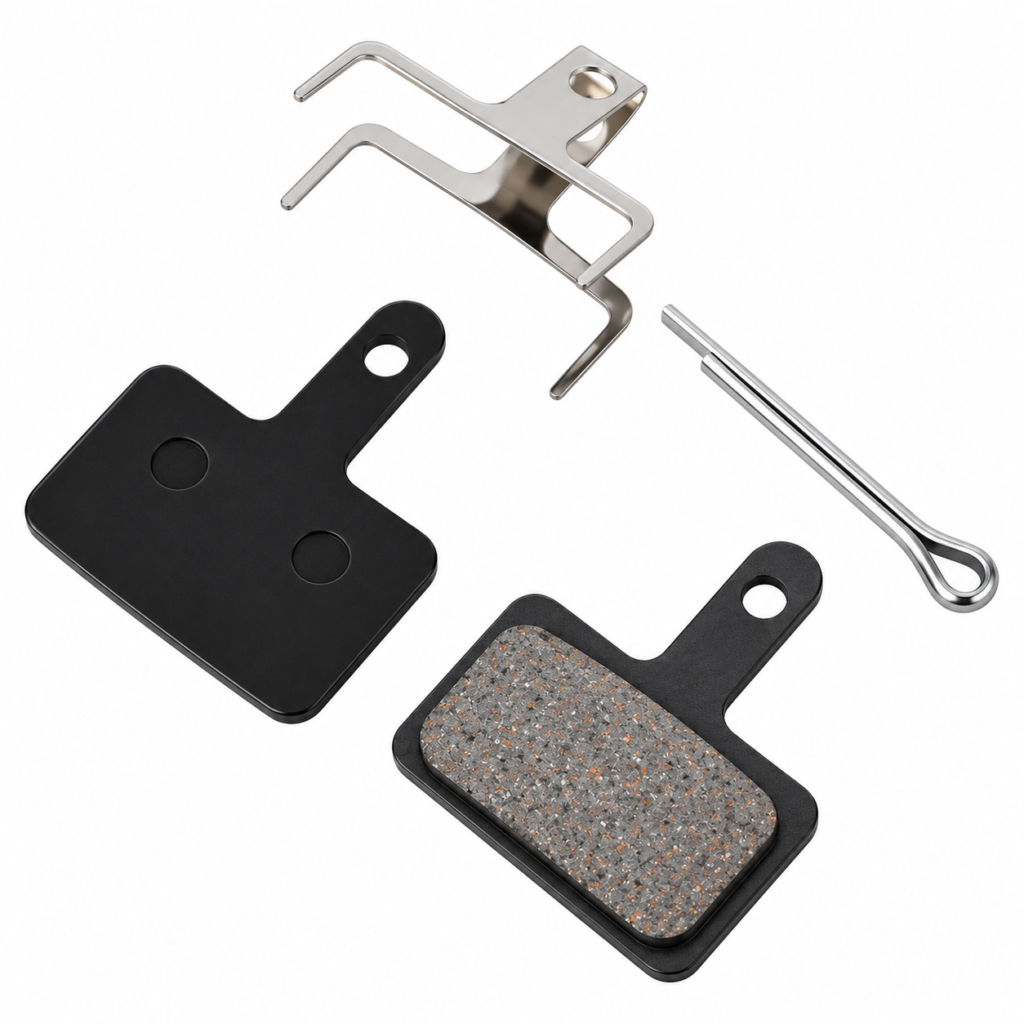
KuKirin G2 2026 Brake Pads
10.00€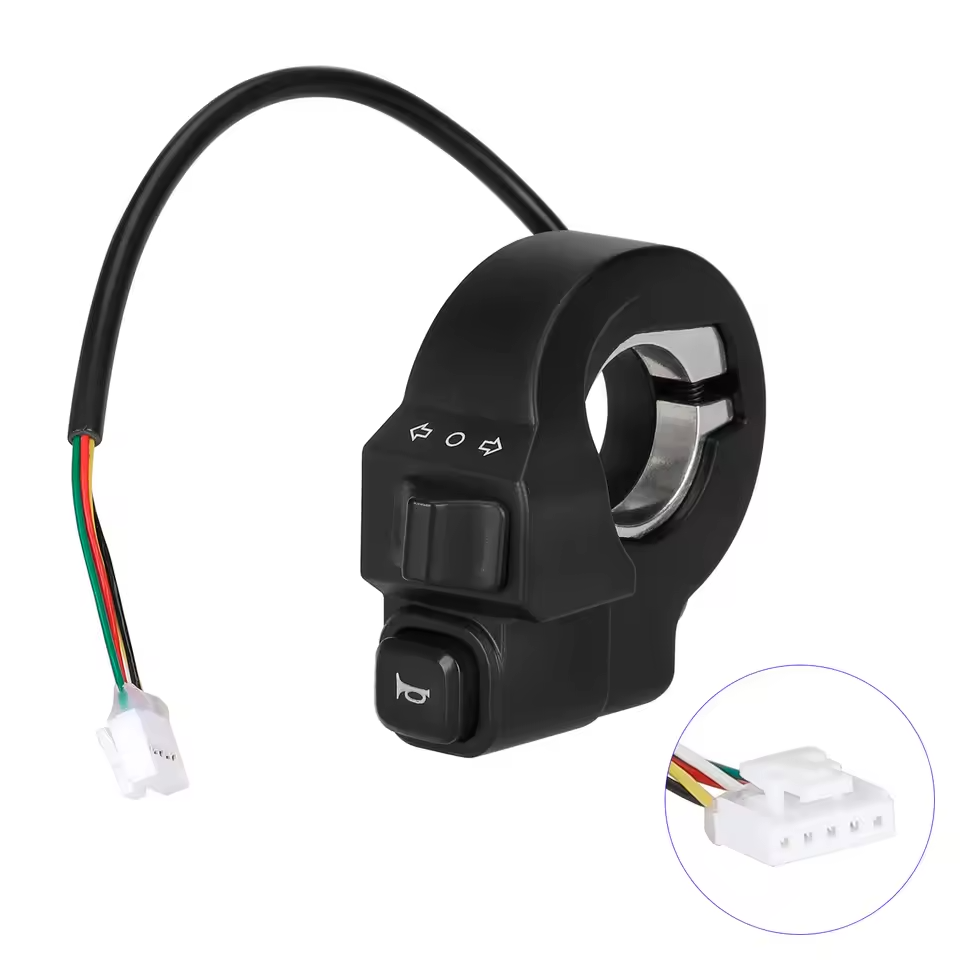
KuKirin G2/G4 Switch
20.00€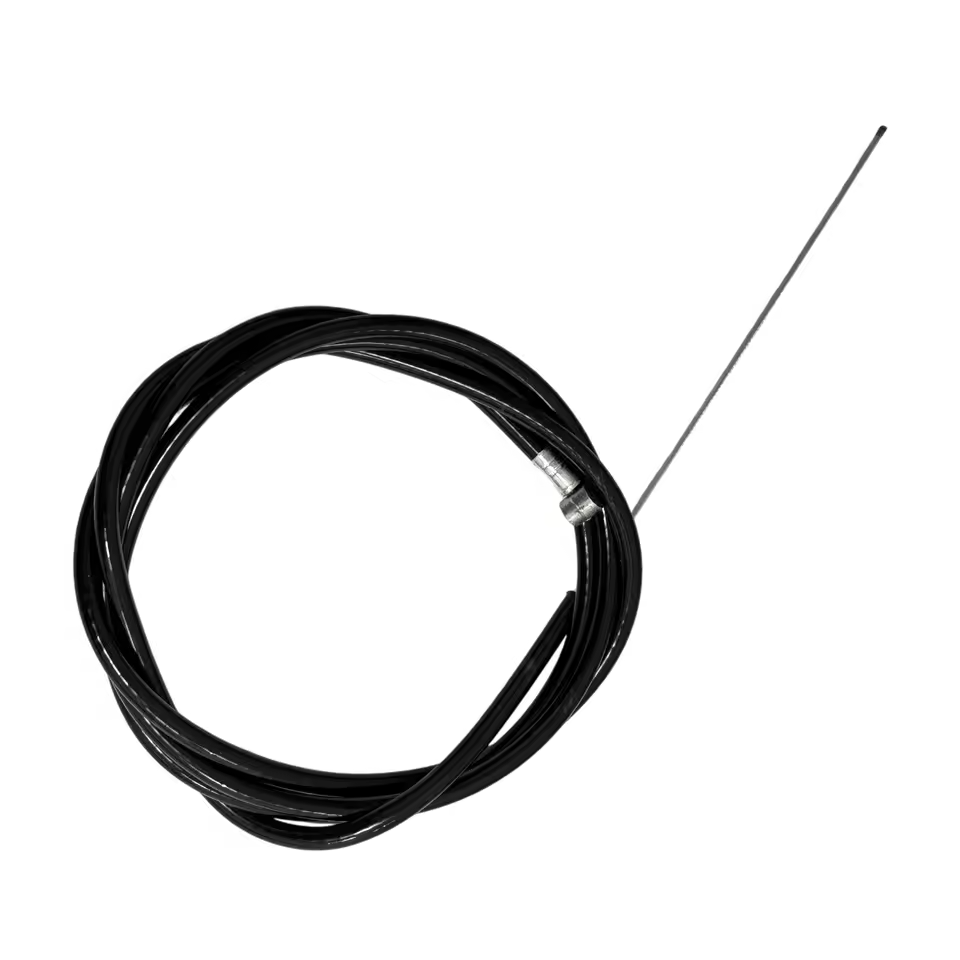
KuKirin G2 Rear Brake Cable
20.00€
Leave a Reply