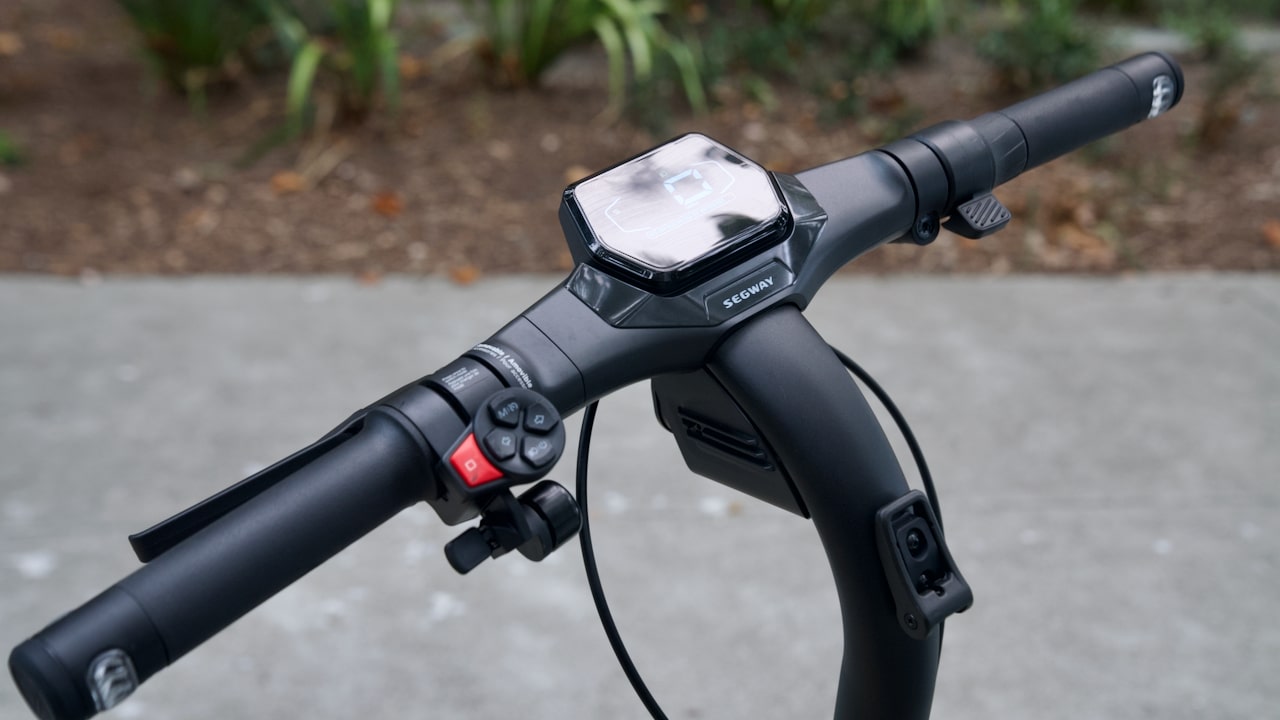
Segway Ninebot ZT3 Pro Error Codes: Complete Guide
Segway Ninebot ZT3 Pro Error Codes appear on the display as an exclamation mark “!” followed by a number, often accompanied by a “beep…beep” sound. These alerts help identify technical issues quickly in order to protect the scooter and ensure rider safety.
In this guide, all Segway Ninebot ZT3 Pro Error Codes are listed in ascending order, with a clear explanation of the problem and the recommended solution.
Error Code 10 – Dashboard / Controller Communication Issue
Explanation
Communication between the dashboard and the controller has been interrupted.
Solution
Press and hold the power button for 15 seconds. The scooter will shut down. When you hear a beep at around the fifteenth second, release the button and turn the scooter back on.
If the error persists, remove the four screws from the handlebar area, disconnect the cable harness between the handlebar and the scooter body, and check that the connector pins are not bent. Straighten them carefully if necessary. If the cable is damaged, replace it.
Error Code 11 – Controller Fault
Explanation
Internal controller malfunction.
Solution
Turn the scooter off and then restart it.
If the issue remains, the controller must be replaced.
Error Code 13 – Controller Error
Explanation
Internal controller error.
Solution
Restart the scooter.
If the error still appears, replace the controller.
Error Code 14 – Throttle Issue
Explanation
The throttle does not return properly to its neutral position when the scooter is powered on.
Solution
Check that the throttle fully returns to its original position before turning the scooter on.
If it remains stuck, loosen the screw underneath the throttle using a 3 mm hex wrench, reposition it, and tighten it gently.
If the issue persists, replace the throttle.
Error Code 15 – Left Brake Lever Signal Error
Explanation
The left brake lever does not return properly or has a fault.
Solution
Ensure the lever returns to its normal position before starting the scooter.
If it remains stuck, slightly loosen the adjustment nut (about ¼ turn counterclockwise).
If the issue continues, inspect the brake cable and replace the left brake lever if necessary.
Error Code 16 – Right Brake Lever Signal Error
Explanation
The right brake lever does not return properly or may be faulty.
Solution
Reposition the lever and restart the scooter.
If needed, slightly loosen the adjustment nut.
If the cable is damaged or the issue persists, replace the right brake lever.
Error Code 18 – Motor Hall Sensor Error
Explanation
Abnormal signal detected from the motor Hall sensor.
Solution
Restart the scooter.
If the error persists, replace the motor first.
If the problem remains, replace the controller.
Error Code 19 – Temporary System Error
Explanation
Temporary anomaly detected during startup.
Solution
Turn the scooter off and restart it.
If the error disappears, no further action is required.
Error Code 21 – Battery Communication Error
Explanation
Communication issue between the battery and the controller.
Solution
Restart the scooter.
Check the battery and controller connectors for water ingress or corrosion.
If no visible issue is found, replace the battery.
Error Code 24 – Battery Fault
Explanation
Battery-related malfunction.
Solution
Restart the scooter.
Charge the scooter for about 15 minutes and check if the alert disappears.
If the error remains, the battery must be replaced.
How to Prevent Segway Ninebot ZT3 Pro Error Codes
Regular maintenance significantly reduces the risk of Segway Ninebot ZT3 Pro Error Codes appearing. Check the condition of cables, keep connectors clean and dry, inspect the brakes, and ensure the throttle returns properly after use.
In many cases, a simple restart can resolve temporary system alerts before they develop into more serious issues.
Maintain and Extend the Life of Your Segway Ninebot ZT3 Pro
To repair, maintain, or upgrade your scooter, explore the Segway Ninebot ZT3 Pro parts tested and approved by the Riders community. Using reliable and compatible components helps prevent recurring issues and ensures a safer riding experience over time.


Leave a Reply