Segway Ninebot Max G3 Error Codes: Complete Guide
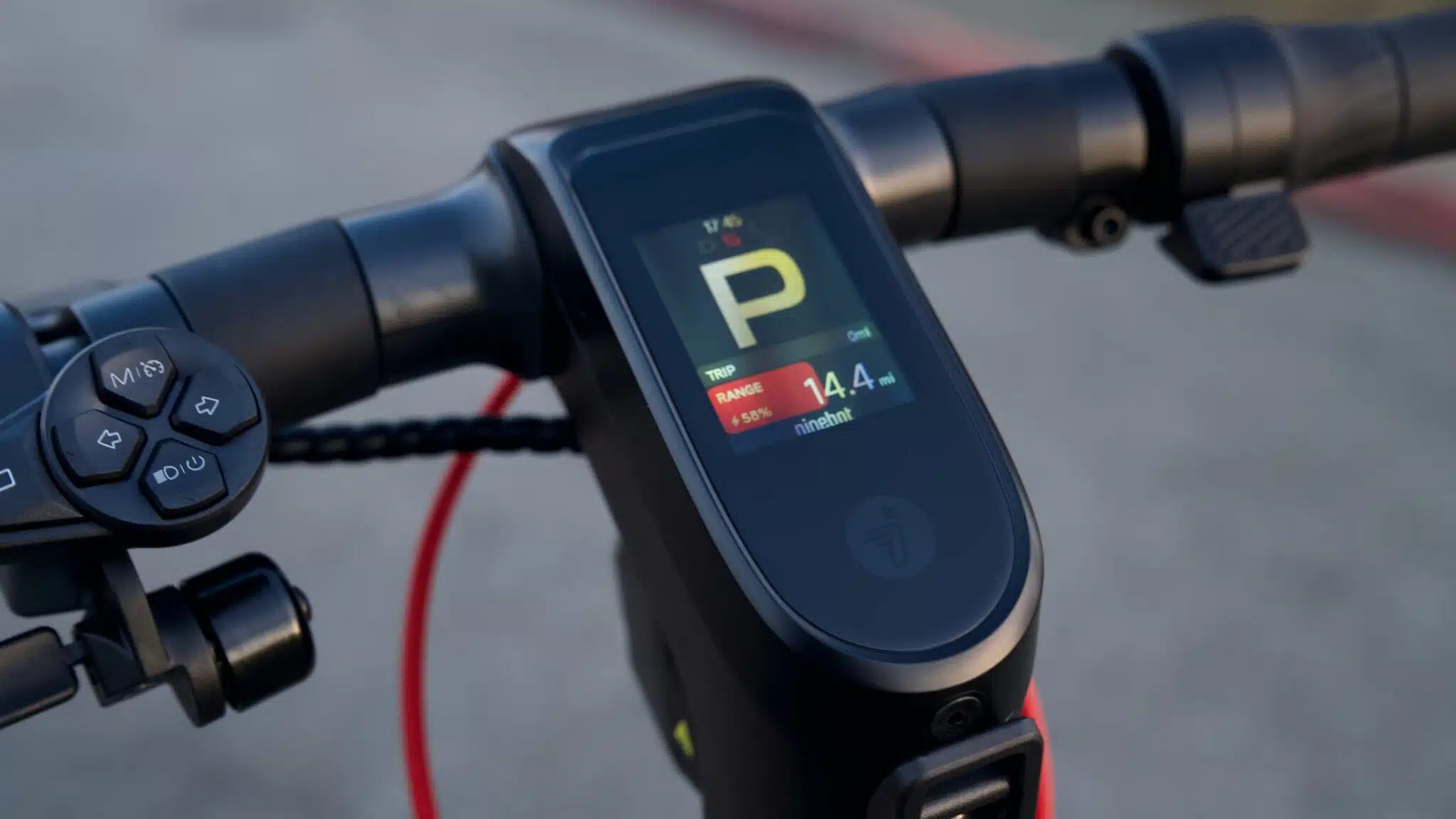
Segway Ninebot Max G3 error codes appear on the dashboard as an exclamation mark “!” followed by a number, often accompanied by a long beep sound. These alerts are designed to quickly identify a technical issue in order to protect the scooter and ensure rider safety.
In this guide, you will find all Segway Ninebot Max G3 error codes listed in ascending order, along with their meaning and the recommended solution.
Error Code 10 – Controller Communication Error – Segway Ninebot Max G3
Explanation
This error indicates a communication problem between the dashboard and the controller.
Solution
Press and hold the power button for 15 seconds. The scooter will shut down and emit a beep. Release the button and turn the scooter back on.
If the error persists:
- Check the handlebar wiring harness and ensure the connector is fully seated and the pins are straight.
- Disconnect the controller connectors one by one (except the main harness) to identify a faulty circuit, especially the taillight wiring harness.
If the code still appears, replace the dashboard assembly and reprogram it using the Segway Mobility app.
Error Code 11 – Controller Current Error – Segway Ninebot Max G3
Explanation
The controller has detected an abnormal power or current issue.
Solution
Restart the scooter.
If the problem persists, the controller must be replaced.
Error Code 13 – Controller MOS Error – Segway Ninebot Max G3
Explanation
This error indicates an internal MOSFET failure inside the controller.
Solution
Restart the scooter.
If the error remains, the controller needs to be replaced.
Error Code 14 – Throttle Malfunction – Segway Ninebot Max G3
Explanation
The throttle does not return correctly to its neutral position during startup.
Solution
Turn off the scooter and make sure the throttle fully returns to its normal position before turning it back on.
If the throttle is stuck:
- Loosen the screw under the throttle with a 3 mm hex key
- Adjust the throttle so it moves freely
- Tighten the screw carefully without overtightening
If the issue continues, replace the throttle.
Error Code 15 – Left Brake Lever Fault – Segway Ninebot Max G3
Explanation
The left brake lever is not returning properly or is defective.
Solution
Ensure the brake lever returns to its original position before starting the scooter.
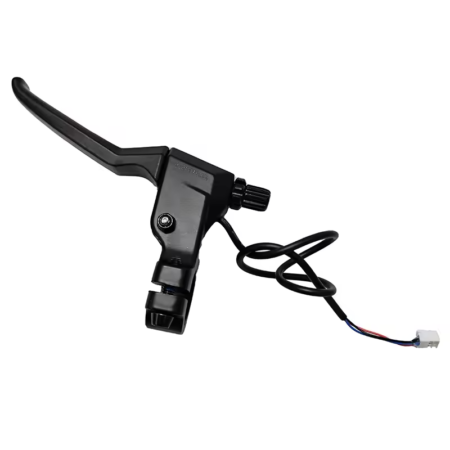
If the issue persists, replace the left brake lever.
Error Code 16 – Right Brake Lever Fault – Segway Ninebot Max G3
Explanation
The right brake lever is not returning correctly or has a malfunction.
Solution
Reposition the brake lever before turning the scooter on.
If the error continues, replace the right brake lever.
Error Code 18 – Motor Hall Sensor Error – Segway Ninebot Max G3
Explanation
This error indicates a malfunction of the motor Hall sensor.
Solution
Restart the scooter.
If the error persists:
- Check the motor cables and connections.
- Replace the hub motor assembly if necessary.
- If the issue remains, replace the controller.
Error Code 19 – Abnormal Battery Voltage – Segway Ninebot Max G3
Explanation
The system detects an abnormal battery voltage.
Solution
Turn the scooter off and restart it.
If the error persists, the battery may need to be replaced.
Contact Segway customer support if necessary.
Error Code 25 – Dashboard Communication Error – Segway Ninebot Max G3
Explanation
The dashboard is experiencing a communication malfunction.
Solution
Restart the scooter.
If the error remains, replace the dashboard.
Error Code 26 – VCU Storage Error – Segway Ninebot Max G3
Explanation
An internal storage error occurred within the Vehicle Control Unit (VCU).
Solution
Restart the scooter.
If the error persists, replace the dashboard.
Error Code 30 – Charging Temperature Too Low – Segway Ninebot Max G3
Explanation
The battery temperature is below 5°C during charging.
Solution
- Allow the scooter to warm up to room temperature for at least 30 minutes
- Check the battery temperature in the Segway Mobility app
If the displayed temperature is inconsistent, the battery may be faulty and should be replaced.
Error Code 31 – Internal Program Error – Segway Ninebot Max G3
Explanation
A software error occurred during system startup.
Solution
Restart the scooter.
If the error persists, replace the dashboard.
Error Code 35 – Invalid Serial Number – Segway Ninebot Max G3
Explanation
The scooter’s Serial Number (SN) is not recognized or incorrectly registered.
Solution
Connect the scooter to the Segway Mobility app and follow the instructions to correctly enter the serial number.
Error Code 55 – Controller Overcurrent – Segway Ninebot Max G3
Explanation
The controller detects excessive electrical current.
Solution
- Slow down and allow the controller to recover
- Restart the scooter
If the problem persists, replace the controller.
Error Code 56 – Controller Overload – Segway Ninebot Max G3
Explanation
The controller is experiencing a system overload.
Solution
- Slow down and allow the system to recover
- Restart the scooter if necessary
If the error occurs frequently, replace the controller.
How to Avoid Segway Ninebot Max G3 Error Codes
Regular maintenance significantly reduces the risk of Segway Ninebot Max G3 error codes appearing.
Check wiring connections, inspect the brake levers, ensure the throttle returns properly, and avoid charging the scooter in extremely cold temperatures.
Many temporary system errors can be resolved with a simple restart, but persistent warnings should always be addressed quickly to prevent further damage.
Maintain and Extend the Life of Your Segway Ninebot Max G3
To repair, maintain, or upgrade your scooter, discover Segway Ninebot Max G3 parts tested and approved by the Riders community. Using reliable and compatible components helps prevent recurring issues and keeps your scooter running smoothly for the long term.

Leave a Reply