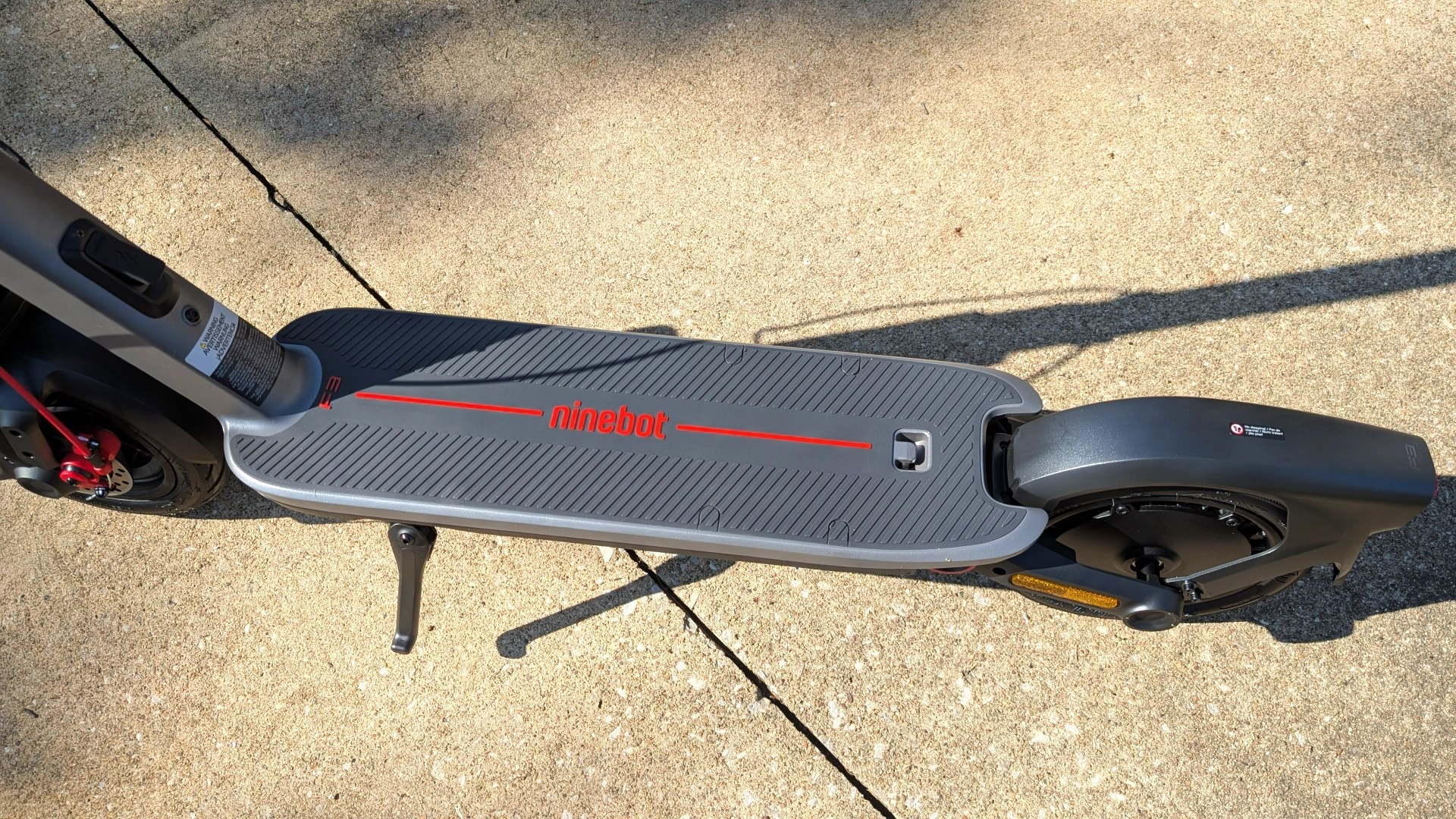
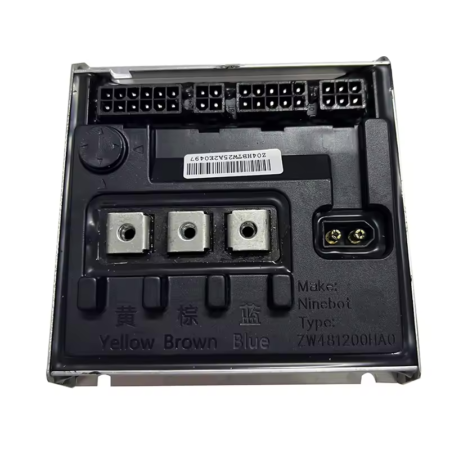
Segway Ninebot F3 Controller: what does it do?
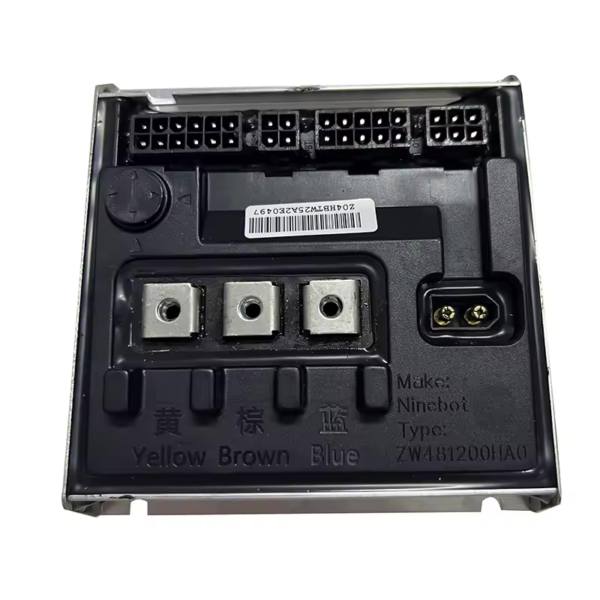
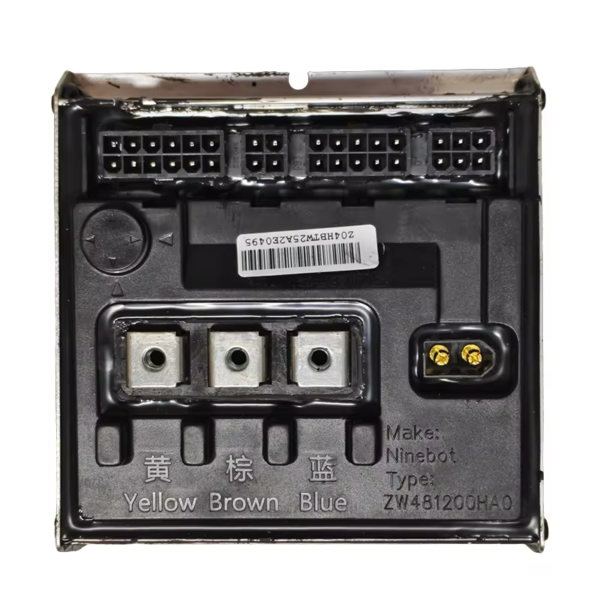
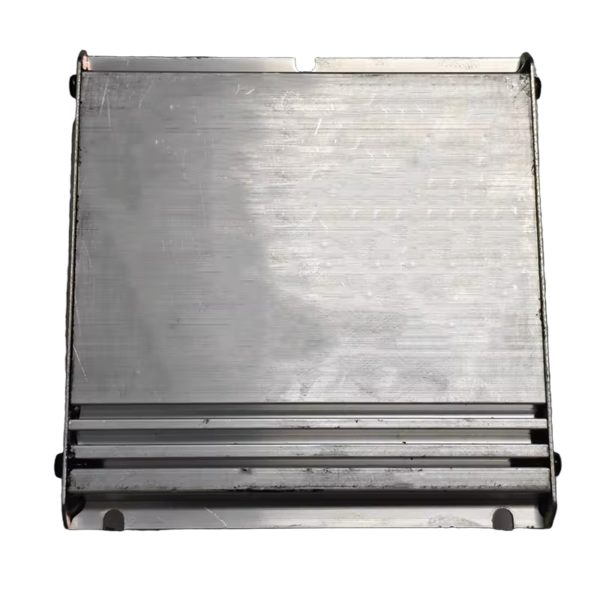
The Segway Ninebot F3 Controller is one of the most important electronic components inside the scooter.
Often compared to the brain of the vehicle, the controller manages communication between all major electrical parts, including the battery, motor, throttle, dashboard, lights, and braking system.
Every acceleration command, power adjustment, and electronic signal passes through the controller before being processed and transmitted to the appropriate component.
The controller also regulates the amount of power delivered to the motor, helping the scooter accelerate smoothly while maintaining stable and predictable performance.
Without a properly functioning controller, the scooter cannot operate normally, making this component essential for reliability, safety, and riding comfort.
Segway Ninebot F3 Controller: symptoms of a faulty controller
Like any electronic component, the Segway Ninebot F3 Controller can eventually develop faults due to heat, vibrations, moisture, or normal wear over time.
When a controller begins to fail, several symptoms may appear. Riders may notice sudden power loss while riding, inconsistent acceleration, reduced motor performance, warning messages on the dashboard, or even a scooter that refuses to power on.
In some cases, the scooter may operate normally for a short period before randomly cutting power or displaying an error code.
Because the controller manages multiple systems simultaneously, a fault can affect several functions at once.
Segway Ninebot F3 Controller: controller-related error codes
On the Segway Ninebot F3, several diagnostic error codes can point directly to a controller issue.
The most common controller-related fault codes are Error 10, Error 11, Error 24, Error 55, and Error 56.
These errors may indicate communication failures, current monitoring problems, voltage anomalies, overload protection activation, or controller overheating.
If your scooter displays one of these fault codes, we recommend consulting our dedicated article “Segway Ninebot F3/F3 Pro Error Codes & Solutions”, where each error is explained in detail along with the recommended troubleshooting steps.
Video Tutorial: How to Replace the Segway Ninebot F3 Controller
If the controller needs replacement, we share a complete video tutorial showing the entire process step by step.
The video explains how to access the deck, disconnect the controller safely, remove the original unit, and install the replacement controller correctly.
During installation, it is important to reconnect every connector carefully and verify that all wiring is properly secured before closing the deck.
A careful installation helps prevent communication issues and ensures the scooter operates correctly after the repair.
Where to Buy a Segway Ninebot F3 Controller
To maintain the original performance and reliability of the scooter, we always recommend using an original Segway Ninebot F3 Controller.
An official controller is specifically designed for the F3 electrical system and guarantees full compatibility with the battery, motor, dashboard, and safety features.
Using an original replacement part also helps preserve riding performance and minimizes the risk of future electrical issues.
Maintain Your Segway Ninebot F3 with Community-Tested Parts
The controller is a critical component that directly affects acceleration, power delivery, electrical stability, and overall riding safety.
To repair, maintain, or upgrade your scooter, discover the Segway Ninebot F3 parts tested and approved by the Riders community, selected for their reliability, compatibility, and long-term durability.
Leave a Reply