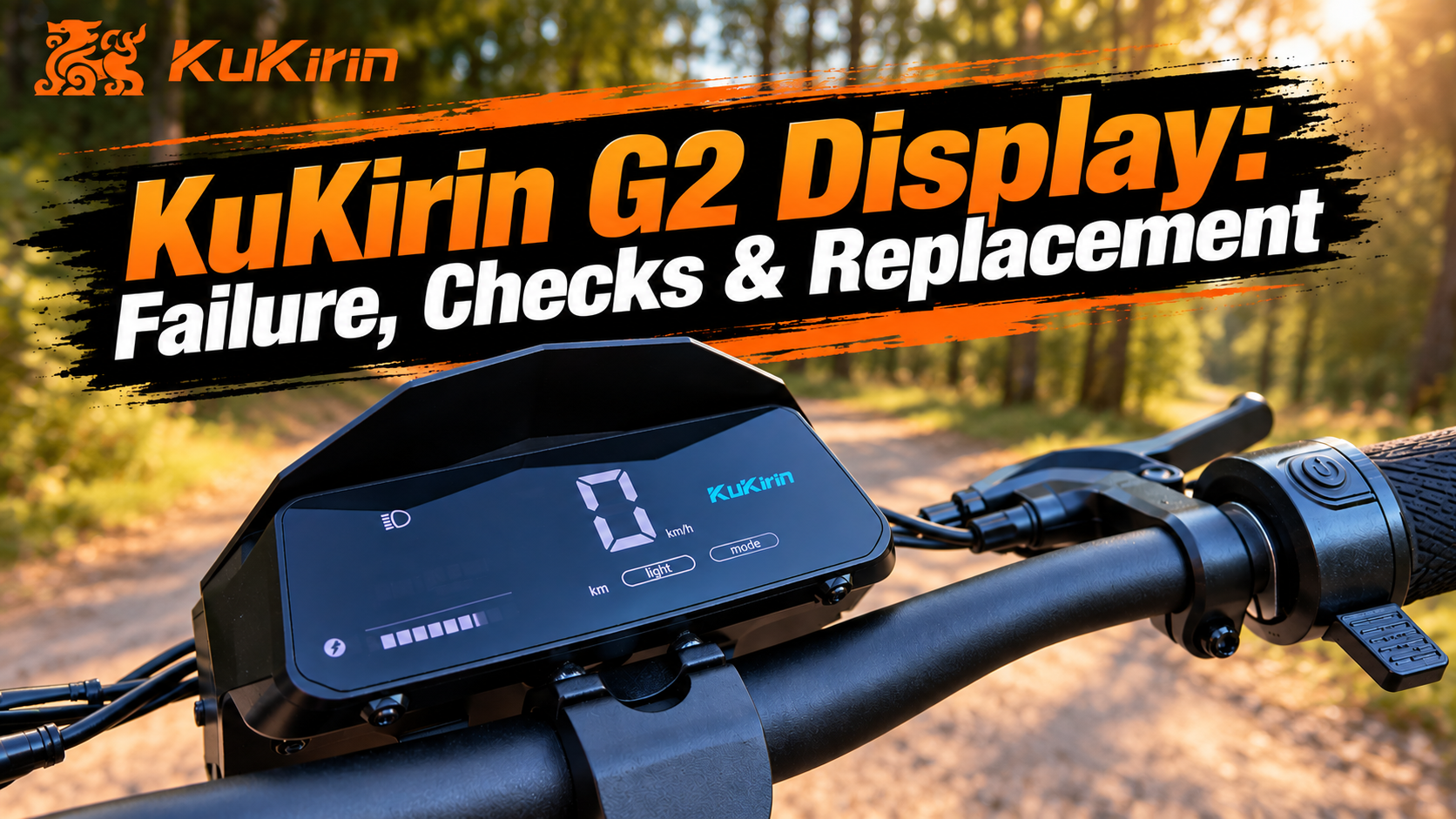
KuKirin G2 Display: Failure, Checks and Replacement
The KuKirin G2 display is the main interface between the Rider and the scooter. Located on the handlebar, it allows you to monitor essential riding information and keep track of the operating status of your KuKirin G2.
A display that no longer turns on, shows incorrect information or works intermittently can quickly make the scooter more difficult to use.
In this guide, we explain the role of the KuKirin G2 display, the main signs of failure, what to check before replacing it and how to install a new display with our video tutorial.
What Does the KuKirin G2 Display Do?
The KuKirin G2 display allows the Rider to view the main information related to the scooter while riding.
Depending on the functions being used, the display provides information such as:
- Speed
- Battery level
- Riding mode
- Mileage
- Different indicators and operating information
- Error codes
The display therefore provides a quick overview of the KuKirin G2 while riding.
However, a problem with the information shown on the screen does not necessarily mean that the display itself is faulty.
What Are the Signs of a Faulty KuKirin G2 Display?
Several symptoms can indicate a problem with the KuKirin G2 display.
Pay particular attention if:
- The screen no longer turns on
- The display switches off intermittently
- The screen flickers
- Some information is no longer displayed
- The displayed speed appears incorrect
- The battery level is not displayed correctly
- Some indicators no longer appear or remain illuminated
- The screen freezes
- An error code appears
- The display works when you move the handlebar or cables, then switches off again
These symptoms do not automatically mean that the display needs to be replaced.
The wiring and connectors should always be checked first.
KuKirin G2 Display Not Turning On: What Should You Check?
If your KuKirin G2 display does not turn on, avoid immediately replacing the screen.
The problem may also come from the power supply, wiring, a connector or another electronic component.
Start by checking:
- The condition of the connectors
- The display connection
- The visible condition of the cables
- Any pinched or damaged cables
- Connector pins
- Signs of moisture or oxidation
- The general condition of the wiring harness
A connector that is not fully seated may be enough to cause intermittent display problems.
When checking the connections, handle connectors by their housings rather than pulling directly on the wires.
Check the Cables and Connectors
The handlebar and steering column are constantly moving while the scooter is being used.
Steering movements, vibrations and previous repairs can gradually affect the position or condition of the cables.
If your KuKirin G2 display switches off when you turn the handlebar or works intermittently, inspect the wiring carefully.
Look for:
- A cable under excessive tension
- A cable bent too sharply
- Damaged cable insulation
- A loose connector
- A bent connector pin
- A cable trapped between two components
If the problem is simply caused by a loose connection, replacing the display may not be necessary.
Error Code on the KuKirin G2 Display: Is the Display Faulty?
An error code appearing on the KuKirin G2 display does not automatically indicate a faulty screen.
The display is also used to communicate problems detected by the scooter’s electronic system to the Rider.
An error code may therefore indicate a problem with another component.
Before replacing the display, identify the error code and check the component associated with the fault.
A display that correctly shows an error code may actually be functioning normally.
Why Can a KuKirin G2 Display Fail?
Like any electronic component, the KuKirin G2 display can eventually develop a fault.
Possible causes include:
- Repeated vibrations
- An impact to the handlebar
- A scooter fall
- A damaged connector
- Damaged wiring
- Moisture infiltration
- Oxidation
- An internal electronic failure
- Damage following work on the handlebar or steering assembly
A direct impact can also damage the screen or its housing.
When Should You Replace the KuKirin G2 Display?
The KuKirin G2 display is not a wear part with a specific replacement mileage.
It should be replaced when a display fault has been confirmed and checking the wiring and connectors does not solve the problem.
Replacement may be necessary if:
- The screen is broken
- The housing is badly damaged
- The display no longer turns on despite correct connections
- The screen continues to display information incorrectly
- The display works intermittently even though the wiring is in good condition
- An internal display failure has been identified
The goal is to avoid replacing the display when the actual problem is simply a damaged cable or loose connector.
How to Replace the KuKirin G2 Display
Replacing the KuKirin G2 display requires removing the original screen, disconnecting it correctly and installing the new display.
Before starting, completely switch off your KuKirin G2 and place the scooter on a stable support.
During installation, pay particular attention to the connectors and cable routing. No cable should be pinched, crushed or placed under excessive tension.
For the complete replacement process, follow our step-by-step video tutorial:
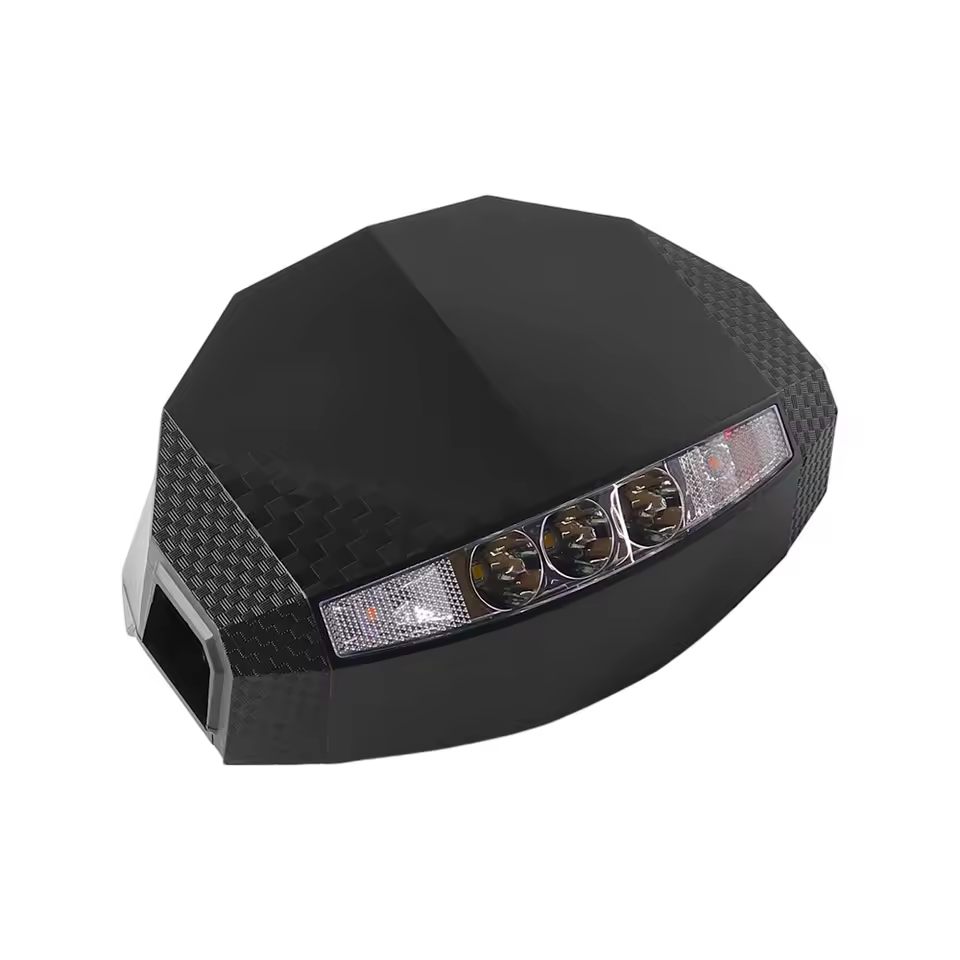
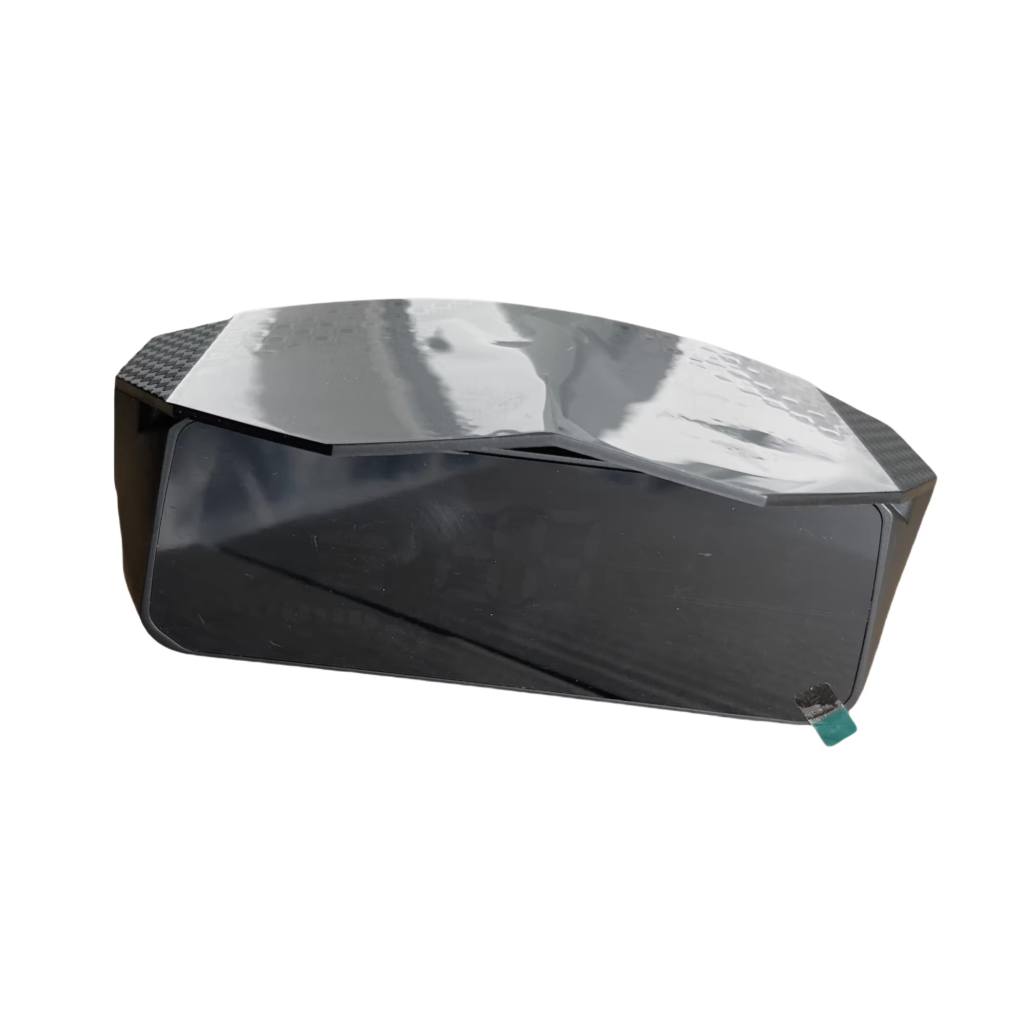
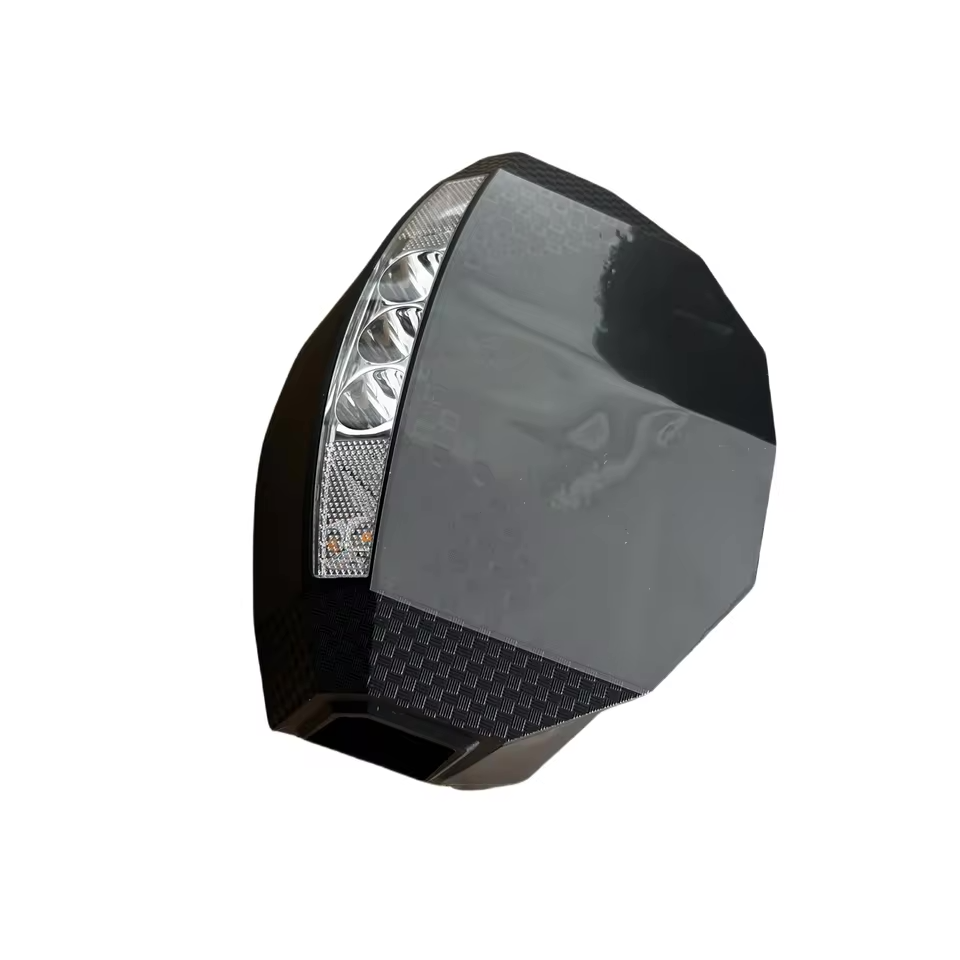
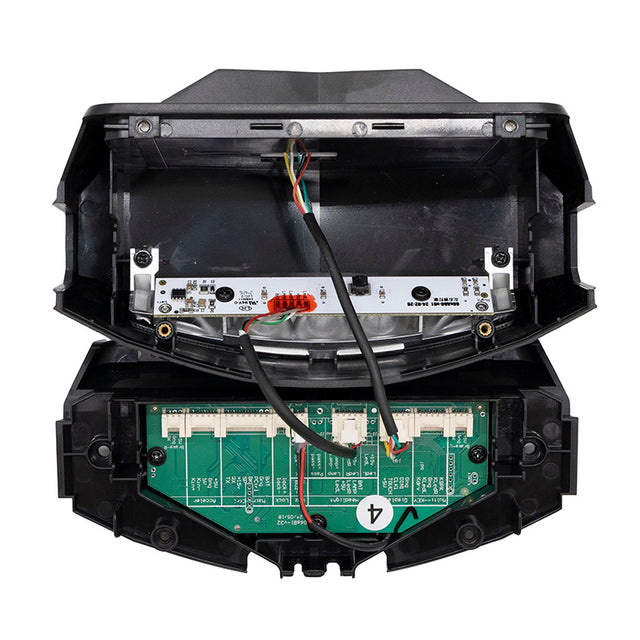
KuKirin G2 Display
If your screen is broken or the display has been confirmed as faulty after checking the wiring and connections, you can replace the complete display.
What Should You Check After Replacing the Display?
Once the new KuKirin G2 display has been installed, switch on the scooter before returning to normal riding.
Check that:
- The screen turns on normally
- The battery level is displayed
- The speed is displayed correctly
- Riding modes are accessible
- The different indicators work correctly
- No unexpected error code appears
Then turn the handlebar fully to the left and right.
The display should remain powered on throughout the movement, and none of the cables should become stretched or pinched.
Finally, perform a first test ride at low speed to confirm that everything works correctly.
How to Protect the KuKirin G2 Display
The KuKirin G2 display does not require specific mechanical maintenance, but a few precautions can help protect it.
After working on the handlebar or steering column, always make sure that the cables have been correctly routed and are not under tension.
Avoid direct impacts to the screen and pay attention to any unusual moisture or condensation around the display.
If the screen begins to switch off intermittently, check the connectors and wiring before the problem becomes more serious.
KuKirin G2 Display: Check Before You Replace
The KuKirin G2 display provides the Rider with essential information about the scooter and its operation.
If your screen no longer turns on, flickers, freezes or works intermittently, start by checking the cables and connectors. A connection problem can produce symptoms very similar to a faulty display.
If the diagnosis confirms that the screen itself is faulty, follow our KuKirin G2 display replacement video tutorial and choose a compatible replacement part tested and approved by the Riders community.

Leave a Reply