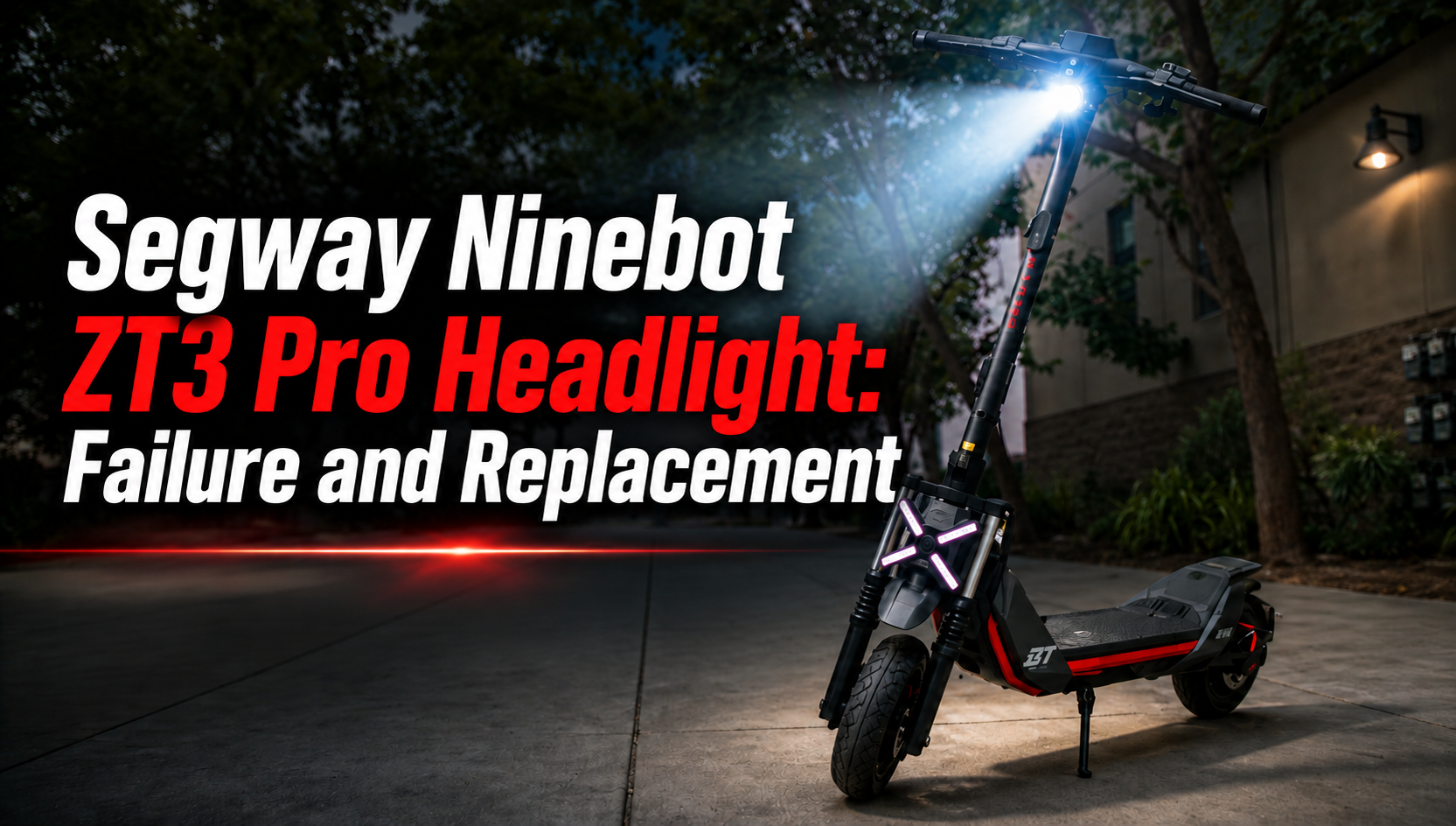
The Segway Ninebot ZT3 Pro headlight is an essential part of the scooter’s lighting system. Located at the front of the scooter, it illuminates the road ahead and helps improve the rider’s visibility in low-light conditions.
Like any component exposed to everyday riding conditions, the Segway Ninebot ZT3 Pro headlight can become damaged after an impact, repeated vibrations or an electrical problem. In this guide, we explain its role, the main signs of failure and how to replace a faulty headlight.
What Is the Role of the Segway Ninebot ZT3 Pro Headlight?
The Segway Ninebot ZT3 Pro headlight is the main front lighting unit on the scooter.
Its primary function is to illuminate the area ahead when visibility is reduced. It also makes the scooter easier for other road users to see.
A properly functioning headlight is particularly important when riding:
- at night;
- early in the morning;
- in tunnels;
- in low-light conditions;
- during cloudy or poor weather.
The headlight should provide stable and consistent illumination without unexpected flickering or interruptions.
Why Can the Segway Ninebot ZT3 Pro Headlight Fail?
The Segway Ninebot ZT3 Pro headlight is exposed to vibrations whenever the scooter is used.
Several factors can cause it to stop working correctly:
- a fall;
- an impact around the front of the scooter;
- physical damage to the headlight;
- repeated vibrations;
- a damaged electrical cable;
- a loose connector;
- a poor electrical connection;
- moisture inside the light;
- damage to the LED unit;
- an electrical fault.
A lighting problem does not necessarily mean that the complete headlight needs to be replaced. The wiring and connectors should also be inspected before installing a new part.
What Are the Signs of a Faulty Segway Ninebot ZT3 Pro Headlight?
Several symptoms can indicate a problem with the Segway Ninebot ZT3 Pro headlight.
Check the headlight if:
- it no longer turns on;
- the light works intermittently;
- the brightness becomes unusually low;
- the light flickers;
- it switches off when the scooter vibrates;
- the housing is cracked or broken;
- condensation appears inside the headlight;
- the light has been damaged following a fall.
If the headlight works only when the handlebar or wiring is moved, the problem may come from the cable or connector rather than the light itself.
What Should You Check Before Replacing the Headlight?
Before replacing the Segway Ninebot ZT3 Pro headlight, inspect the complete lighting connection.
Start by checking the exterior of the headlight for cracks, impact damage or moisture.
Then inspect:
- the electrical connector;
- the connector pins;
- the headlight cable;
- the cable routing;
- possible pinched wires;
- damaged insulation;
- signs of oxidation or moisture.
Make sure the connector is fully seated.
If the wiring and connection are in good condition but the headlight still does not work correctly, replacing the complete unit may be necessary.
When Should You Replace the Segway Ninebot ZT3 Pro Headlight?
There is no fixed mileage interval for replacing the Segway Ninebot ZT3 Pro headlight.
As long as the light operates normally and remains physically undamaged, replacement is generally unnecessary.
However, a replacement is recommended when:
- the headlight is broken;
- the housing is significantly damaged;
- the LED unit no longer works;
- the light remains intermittent after checking the wiring;
- moisture has damaged the internal components;
- the headlight has been damaged following an impact.
Because the headlight contributes directly to visibility, a defective unit should be repaired before riding in low-light conditions.
How to Replace the Segway Ninebot ZT3 Pro Headlight
Before starting, completely switch off your scooter and place it on a stable surface.
Access the Segway Ninebot ZT3 Pro headlight and identify its mounting points, electrical cable and connector.
Carefully disconnect the connector without pulling directly on the wires. Remove the necessary mounting hardware and take out the damaged headlight.
Position the replacement headlight correctly and reconnect the electrical connection.
During installation, check:
- the orientation of the headlight;
- its alignment;
- the mounting points;
- the electrical connector;
- the routing of the cable;
- that no cable is pinched;
- that the wiring is not excessively stretched;
- that all fixings are correctly tightened.
Once the new headlight has been installed, test it before completing the repair.
Video Tutorial: Segway Ninebot ZT3 Pro Headlight Replacement
Our video tutorial shows the different steps required to remove the original Segway Ninebot ZT3 Pro headlight and install the replacement correctly.
Follow the procedure carefully, particularly when disconnecting and routing the electrical wiring.
Where to Buy a Segway Ninebot ZT3 Pro Headlight
If your original light is broken or defective, choose a Segway Ninebot ZT3 Pro headlight specifically compatible with your scooter.
A compatible replacement provides the correct dimensions, mounting points and electrical connection required to replace the original component.


What Should You Check After Replacing the Headlight?
After installing the new Segway Ninebot ZT3 Pro headlight, switch on the scooter and check that the light operates normally.
Make sure that:
- the headlight turns on correctly;
- the illumination remains stable;
- there is no abnormal flickering;
- the headlight is securely mounted;
- the connector is fully connected;
- the cable is correctly routed;
- no wire is pinched or excessively stretched.
Turn the handlebar completely to the left and right and check that the wiring remains free throughout the steering movement.
Also verify that the headlight is correctly positioned so that it illuminates the road appropriately without being incorrectly oriented.
How to Maintain the Segway Ninebot ZT3 Pro Headlight
The Segway Ninebot ZT3 Pro headlight requires little maintenance, but regular inspection can help identify a problem before the light fails completely.
Periodically check its operation and inspect the housing for damage.
After a fall or impact around the front of the scooter, check:
- the headlight;
- its mounting points;
- the wiring;
- the connector;
- surrounding components.
Keep the lens clean so that dirt does not unnecessarily reduce the amount of light projected onto the road.
If condensation appears inside the housing or the light begins to operate intermittently, inspect the headlight and its electrical connection.
Maintaining the Lighting System on Your Segway Ninebot ZT3 Pro
The Segway Ninebot ZT3 Pro headlight plays an important role in nighttime visibility and everyday riding safety. A broken, intermittent or non-functioning headlight should therefore be inspected quickly.
Before replacing the complete unit, check the cable and connector. If the electrical connection is in good condition but the problem remains, replacing the headlight can restore normal front lighting.
For maintenance and repairs, choose Segway Ninebot ZT3 Pro parts tested and approved by the Riders community, selected for their compatibility, reliability and durability.

Leave a Reply