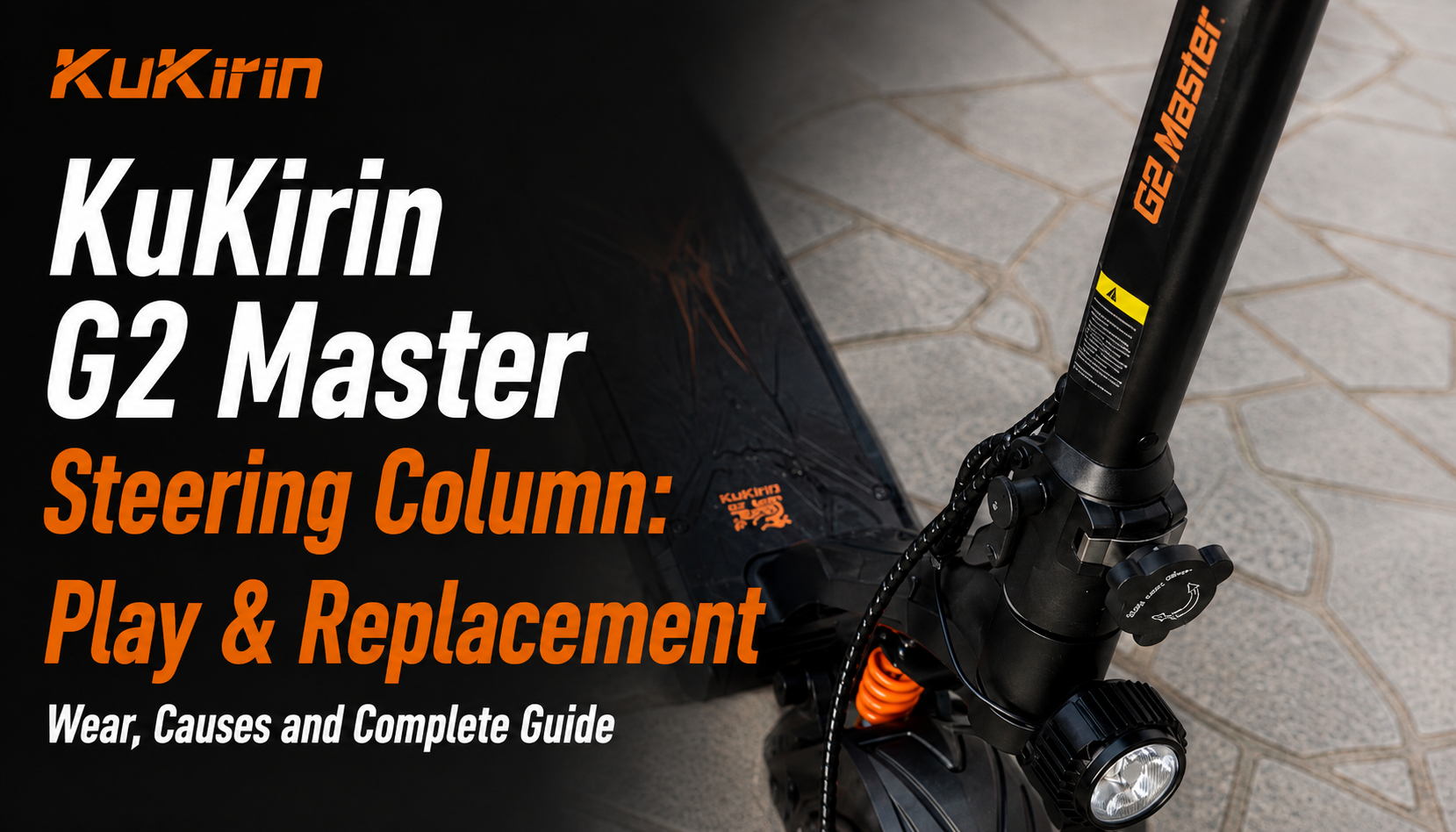
The KuKirin G2 Master steering column is one of the most important components for the stability and handling of the scooter. It connects the handlebar to the chassis and allows the rider to precisely control the front wheel.
The KuKirin G2 Master is equipped with two 1,000 W motors, a 52 V 20.8 Ah battery, and offers up to 70 km of range. Its performance and use on different types of roads place significant mechanical stress on the steering system.
A KuKirin G2 Master steering column in good condition helps maintain precise, stable and predictable handling.
What Is the Role of the KuKirin G2 Master Steering Column?
The KuKirin G2 Master steering column connects the handlebar to the front fork and steering assembly.
Every time you turn the handlebar, the steering column transmits this movement to the front wheel, allowing you to control the direction of the scooter.
It is also subjected to significant mechanical forces generated by:
- acceleration;
- braking;
- road vibrations;
- bumps and impacts;
- changes in direction.
Keeping the steering column and its associated components in good condition helps reduce unwanted movement and maintain precise handling.
What Are the Signs of Wear on the KuKirin G2 Master Steering Column?
Over time, repeated vibrations and mechanical stress can affect the KuKirin G2 Master steering column and the components connected to it.
One of the most common symptoms is play in the steering. You may feel the handlebar or column moving slightly forward and backward, particularly when braking or when manually checking the steering assembly.
The opposite problem can also occur. If the handlebar becomes unusually difficult to turn, the steering column or steering bearings should be inspected.
Other symptoms can include:
- knocking or clicking noises from the steering area;
- unusual vibrations through the handlebar;
- imprecise steering;
- difficulty maintaining a stable direction;
- excessive movement in the steering assembly;
- resistance or hard spots when turning the handlebar.
These symptoms should not be ignored, as the steering system directly affects the stability and control of the scooter.
What Should You Check Before Replacing the KuKirin G2 Master Steering Column?
Before replacing the KuKirin G2 Master steering column, several checks should be performed to determine where the problem actually comes from.
Start by checking all the steering column screws and bolts.
Repeated vibrations can gradually loosen some of the hardware and create play in the steering. Tightening the affected fasteners may therefore solve the problem without replacing the complete steering column.
You should also inspect the condition of every screw and bolt. A cracked, broken or deformed fastener should be replaced.
Check the Steering Bearings
The steering bearings should also be inspected before replacing the complete steering column.
Worn or seized bearings can cause:
- steering play;
- a stiff handlebar;
- resistance when turning;
- hard spots in the steering;
- unusual noises or vibrations.
If the handlebar is difficult to turn or there is still play after checking the screws, inspect the steering bearings before concluding that the complete column is defective.
If the screws and bearings are in good condition but steering play remains or the handlebar is still difficult to turn, replacing the KuKirin G2 Master steering column may become necessary.
When Should You Replace the KuKirin G2 Master Steering Column?
There is no fixed mileage at which the complete steering column must automatically be replaced.
Replacement should mainly be considered when the column is damaged or when a steering problem remains after the other components have been checked.
A replacement may be necessary in cases such as:
- persistent steering play;
- damaged or deformed steering column;
- steering that remains abnormally stiff;
- damage following a crash or major impact;
- excessive movement that cannot be corrected by tightening the hardware;
- problems that remain after checking the steering bearings.
After a significant impact, also inspect the front fork, steering bearings, folding mechanism and surrounding hardware.
How to Replace the KuKirin G2 Master Steering Column
Replacing the KuKirin G2 Master steering column is a more involved repair than basic maintenance because several components around the steering assembly need to be removed and correctly reinstalled.
Before starting, completely switch off the scooter and place it on a stable support.
Carefully remove the components necessary to access and release the old steering column. Pay particular attention to the cables and connectors routed around or through the steering assembly.
Install the new column and check:
- the correct positioning of the column;
- the alignment of the steering system;
- the position of all screws and bolts;
- the routing of the cables;
- that no cable is pinched;
- that cables are not excessively stretched;
- the correct assembly of the folding mechanism;
- the absence of abnormal steering play.
All components should be correctly positioned and tightened before the scooter is tested.
Video Tutorial: KuKirin G2 Master Steering Column Replacement
Our video tutorial shows the different steps required to remove the old KuKirin G2 Master steering column, install the replacement and correctly reassemble the steering system.
Where to Buy a KuKirin G2 Master Steering Column
To maintain the correct fit and rigidity of the steering assembly, choose a KuKirin G2 Master steering column specifically designed for your scooter.
A compatible replacement provides:
- correct compatibility with the chassis;
- appropriate mounting points;
- proper steering alignment;
- the required rigidity;
- direct replacement of the original component.
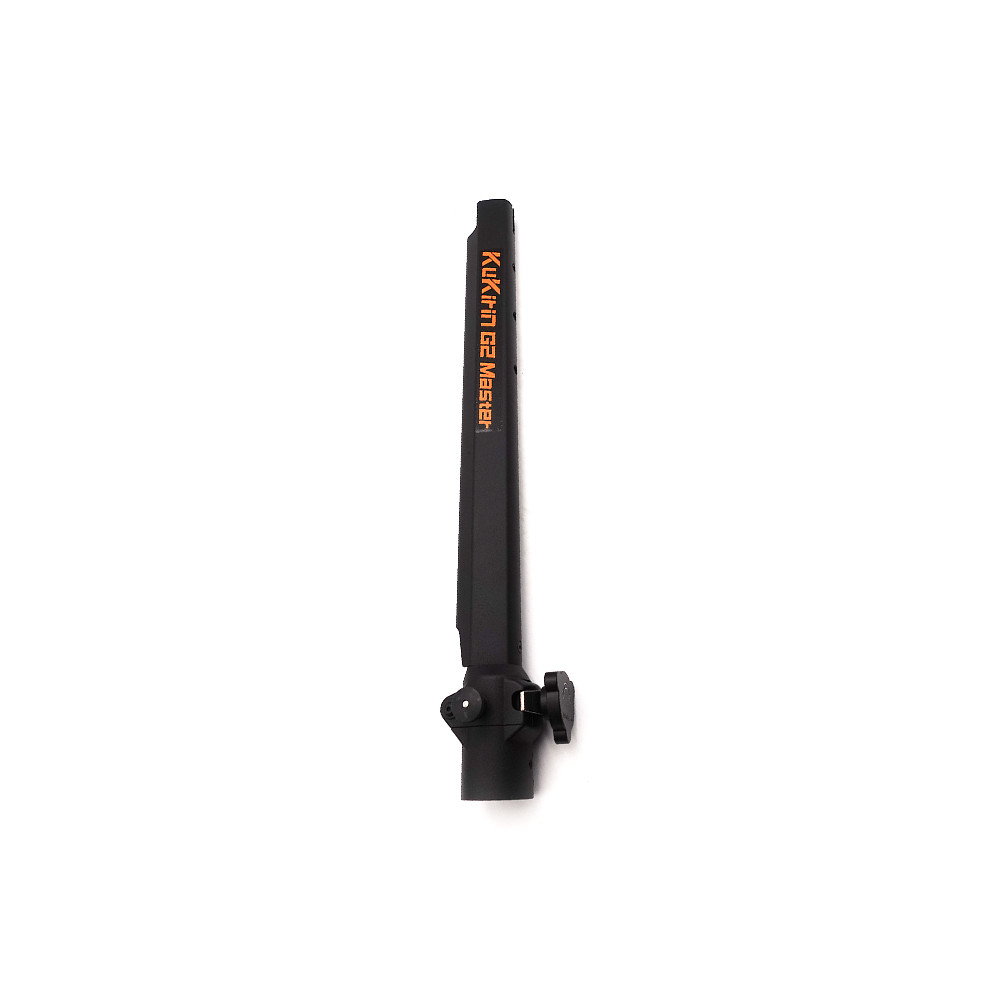

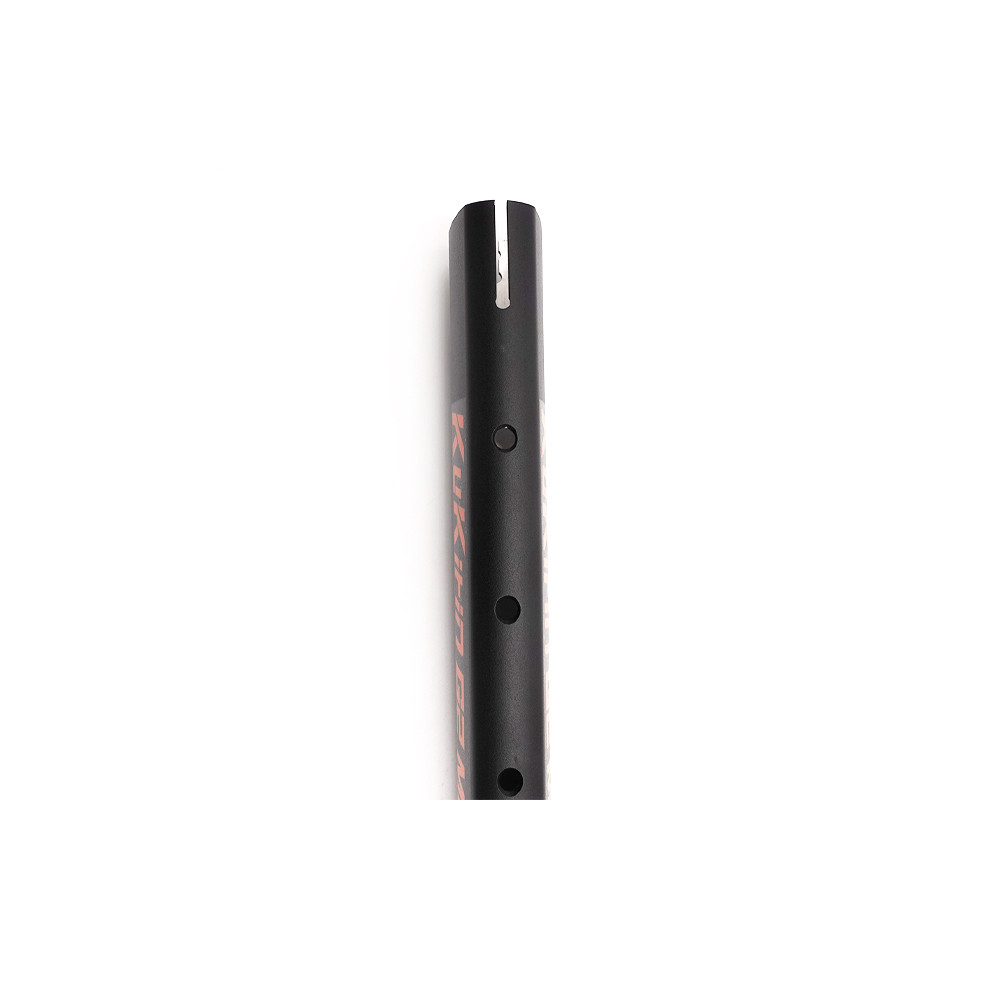
KuKirin G2 Master Steering Column
KuKirin G2 Master Steering Column
Check the Steering After Replacement
Once the new KuKirin G2 Master steering column has been installed, carefully check the entire steering system before riding normally.
Turn the handlebar fully from left to right. The movement should remain smooth, without hard spots or unusual noises.
Then check for play by gently moving the steering assembly forward and backward.
Also make sure that the cables move freely when the handlebar is turned completely in both directions. No cable should become pinched or excessively stretched.
Finally, perform a short test ride at low speed in a safe area. The steering should feel precise, stable and predictable before you return to normal riding.
How to Maintain the KuKirin G2 Master Steering Column
The KuKirin G2 Master steering column is a central part of the scooter’s steering system and should be inspected regularly.
We recommend checking the tightness of all steering column screws every week, especially if you regularly ride on uneven roads or rougher surfaces.
You should also periodically inspect:
- the steering bearings;
- the front suspension;
- the folding mechanism;
- the steering hardware;
- the cables around the steering assembly.
If new play, knocking or unusual resistance appears, inspect the steering system before continuing to use the scooter normally.
Maintaining the Steering System of Your KuKirin G2 Master
The KuKirin G2 Master steering column plays an essential role in maintaining stable and precise handling. Steering play or a handlebar that becomes difficult to turn should therefore be investigated quickly.
Before replacing the complete column, check the screws, fasteners and steering bearings. If these components are in good condition and the problem remains, replacing the steering column may be necessary.
For maintenance and repairs, choose KuKirin G2 Master parts tested and approved by the Riders community, selected for their compatibility, reliability and durability.
Leave a Reply